Mini-Cam CCU210
Screens Key
The brightness, colour and backlight intensity of the internal (CCU) and external
monitors can be adjusted to suit the environment in which the unit is being
viewed:
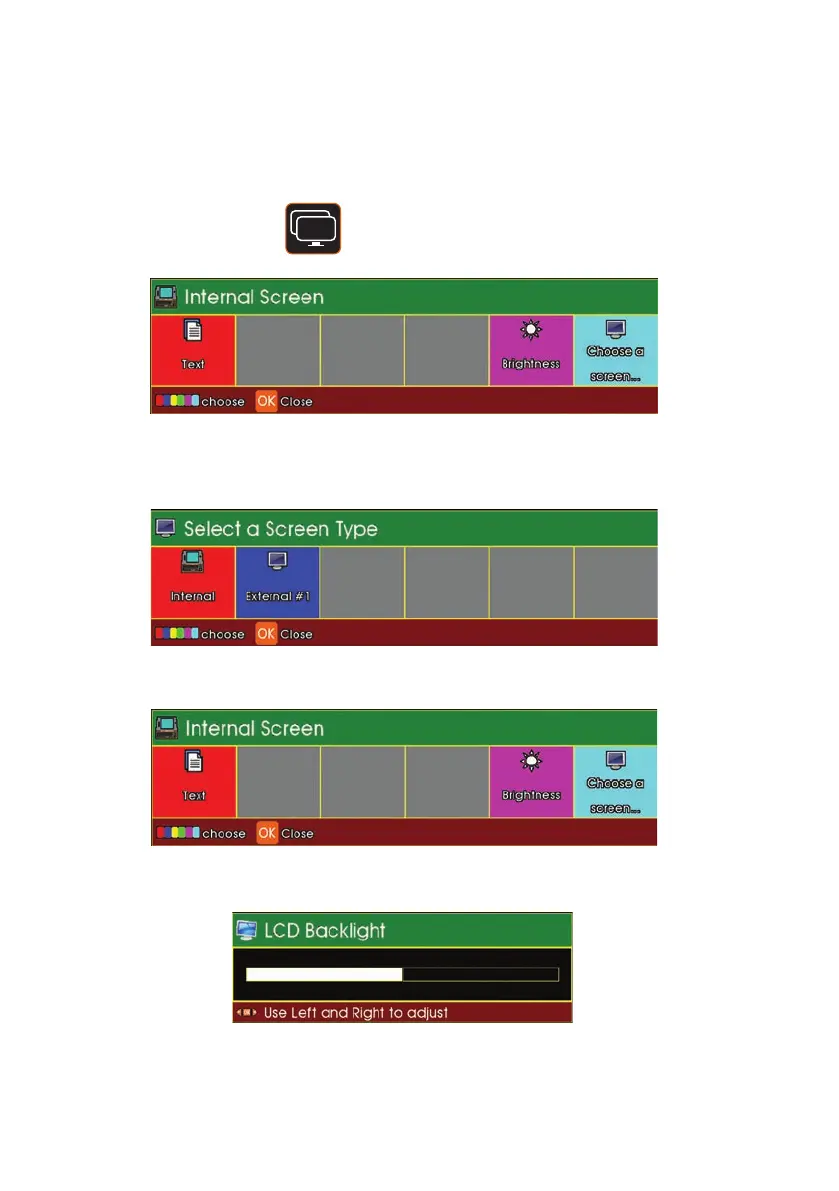
1 Press the Screens key.
Press F6 (Cyan key) Choose a Screen to select the Internal
Screen (CCU) or an External Monitor
Select Internal or External
Press F1 (Red key) to display the LCD Backlight status bar
Use the Left Arrow cursor key to decrease the brightness or the Right Arrow
cursor keys to increase the brightness.
78
Version G



 To Next Page