Mini-Cam CCU210
Status Icons
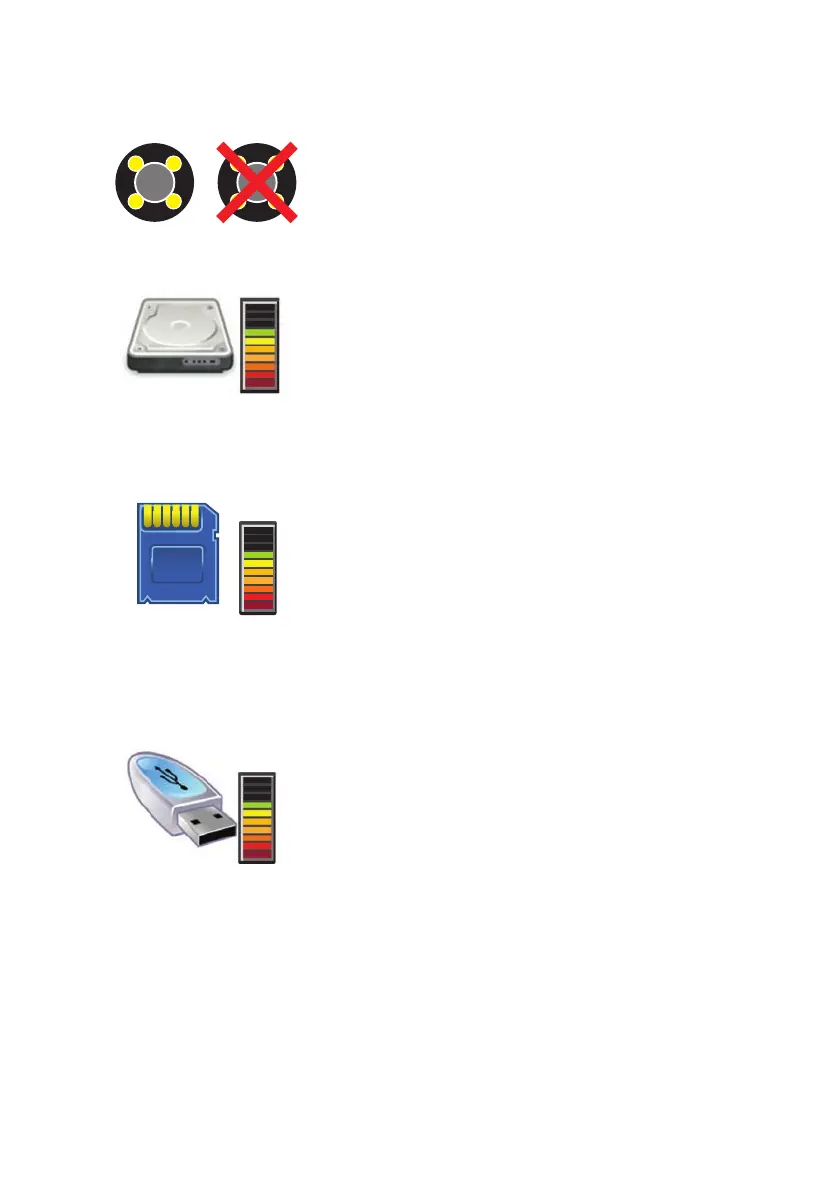
Camera Status
This shows whether or not there is a video signal
available from the push-rod camera. If the camera is
not connected or faulty, then a red cross appears over
the icon.
Internal Memory
The gauge to the right of this icon shows the
available capacity of the internal memory as a fraction
of the total capacity. The used proportion of the internal
memory is shown as the uncoloured bars at the top of
the gauge, and the available portion is shown as the
coloured bars at the bottom of the gauge.
SD/MMC Card Memory
The gauge to the right of this icon shows the available
capacity of an SD (Secure Digital) or MMC (Multimedia
Card) memory card in the front panel memory card
slot, The used proportion of the SD or MMC memory
is
shown as the uncoloured bars at the top of the gauge,
and the available portion is shown as the coloured
bars at the bottom of the gauge.
External USB Memory
The gauge to the right of this icon shows the available
capacity of a memory stick in the front panel USB
socket. The used proportion of the USB memory is
shown as the uncoloured bars at the top of the gauge,
and the available portion is shown as the coloured
bars at the bottom of the gauge.
33
Version G



 To Next Page