Mini-Cam CCU210
Performing the Survey
Creating Defect Observations
When you see a Defect, you can create an Observation for it.
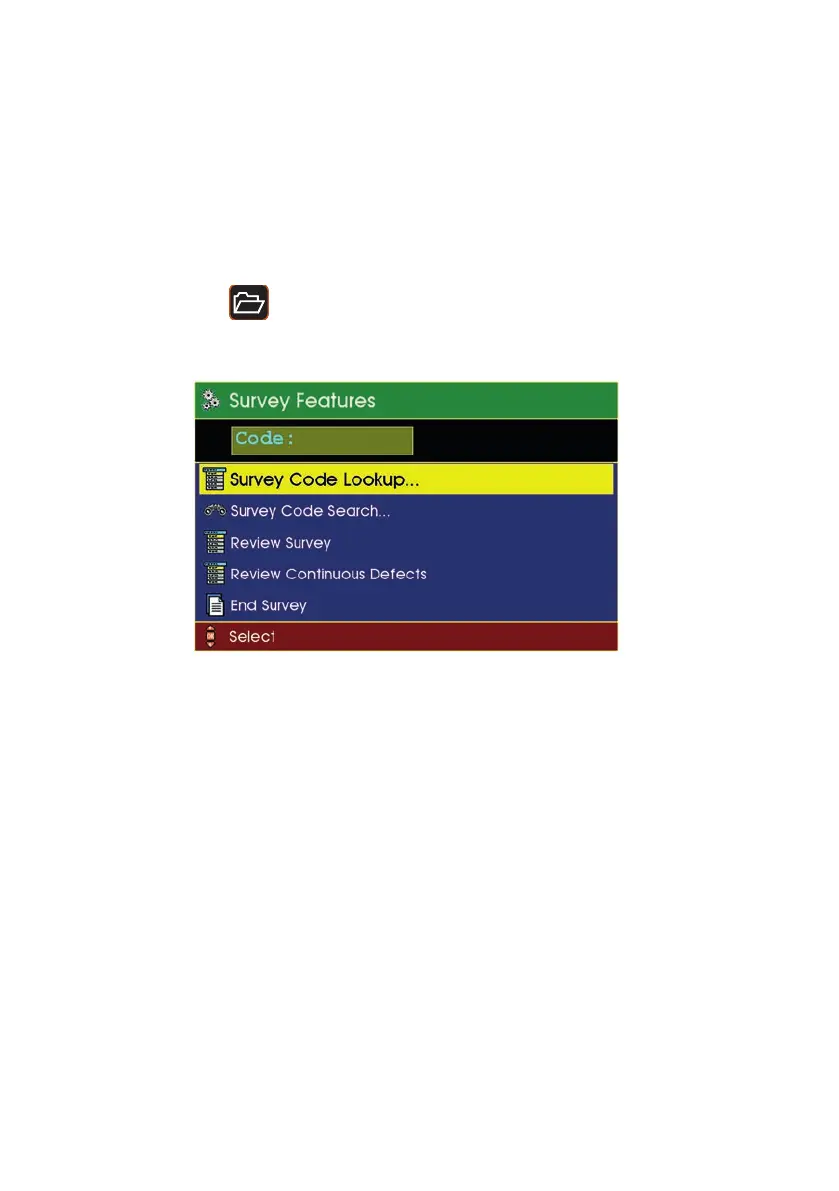
Press the Projects
key, and the Survey Features menu appears.
n If you know the Defect Code, you can simply type it in.
n If you don’t know the code, you can search, or you can use the Lookup to
find it.
108
Version G



 To Next Page