Mini-Cam CCU210
Function Keys
F1
F3F2
F4
F6F5
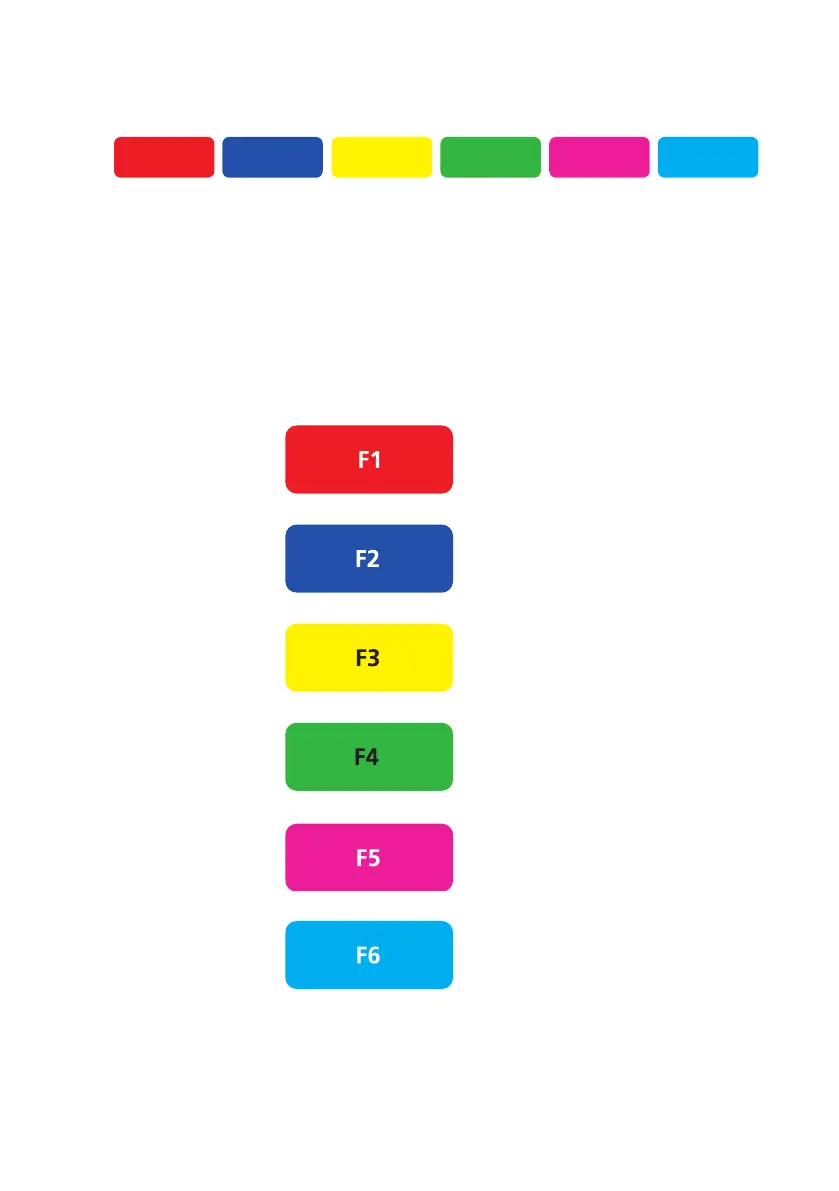
Located at the top of the keyboard, the Function keys or “Hot Keys” are user
friendly multi-function keys used to navigate the menu dialogue screens for the
various features of the system. The easy-to-use colour-coding matches the key
on the keyboard to the option on the screen menu. The colours of the keys are
referred to in this manual as shown below:
F2 Blue key
F3 Yellow key
F4 Green key
F5 Magenta key
F6 Cyan key
F1 Red key
59
Version G



 To Next Page