Mini-Cam CCU210
If you chose to take a photo:
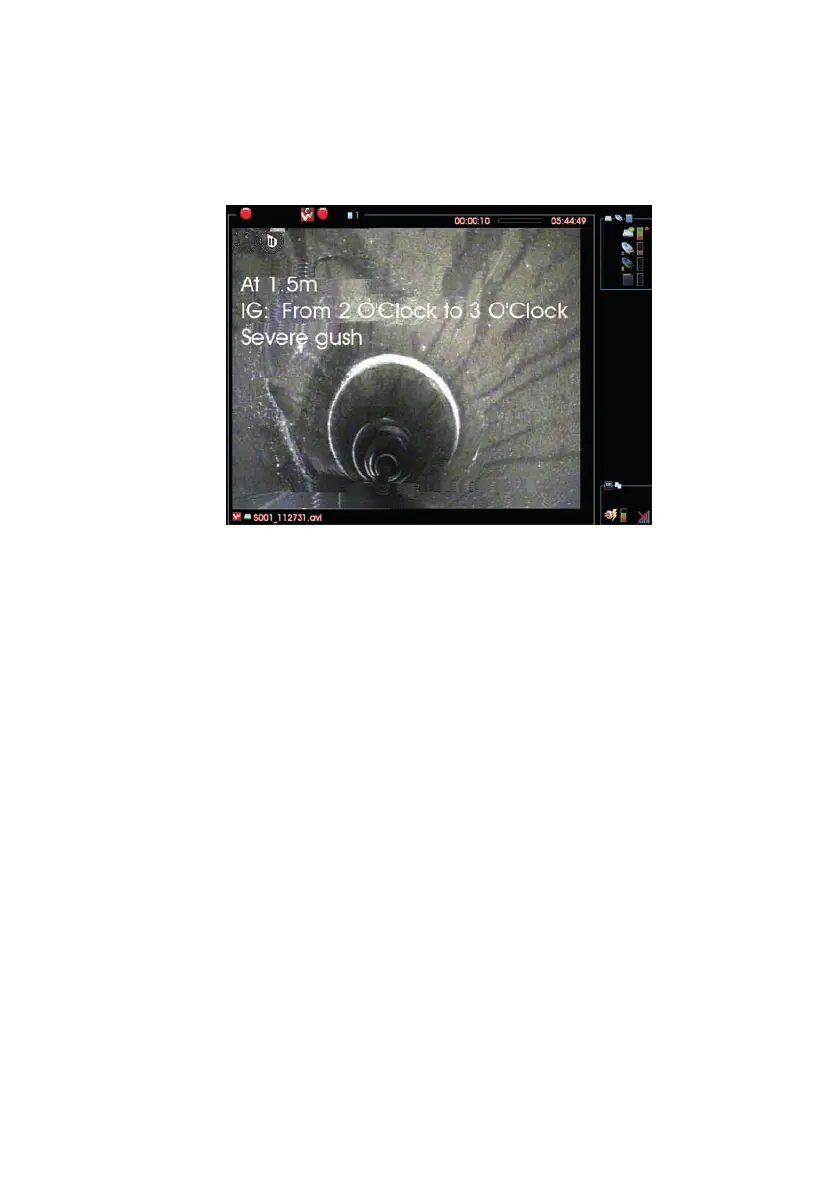
n Your entered Observation Text information is shown on the camera screen
n The system takes a photo, with this information on it.
n After a short time, the information is removed.
Video recording then restarts automatically and you can now move on to find
the next Defect.
111
Version G



 To Next Page