Mini-Cam CCU210
Camera Sweep
Press the Camera Sweep key.
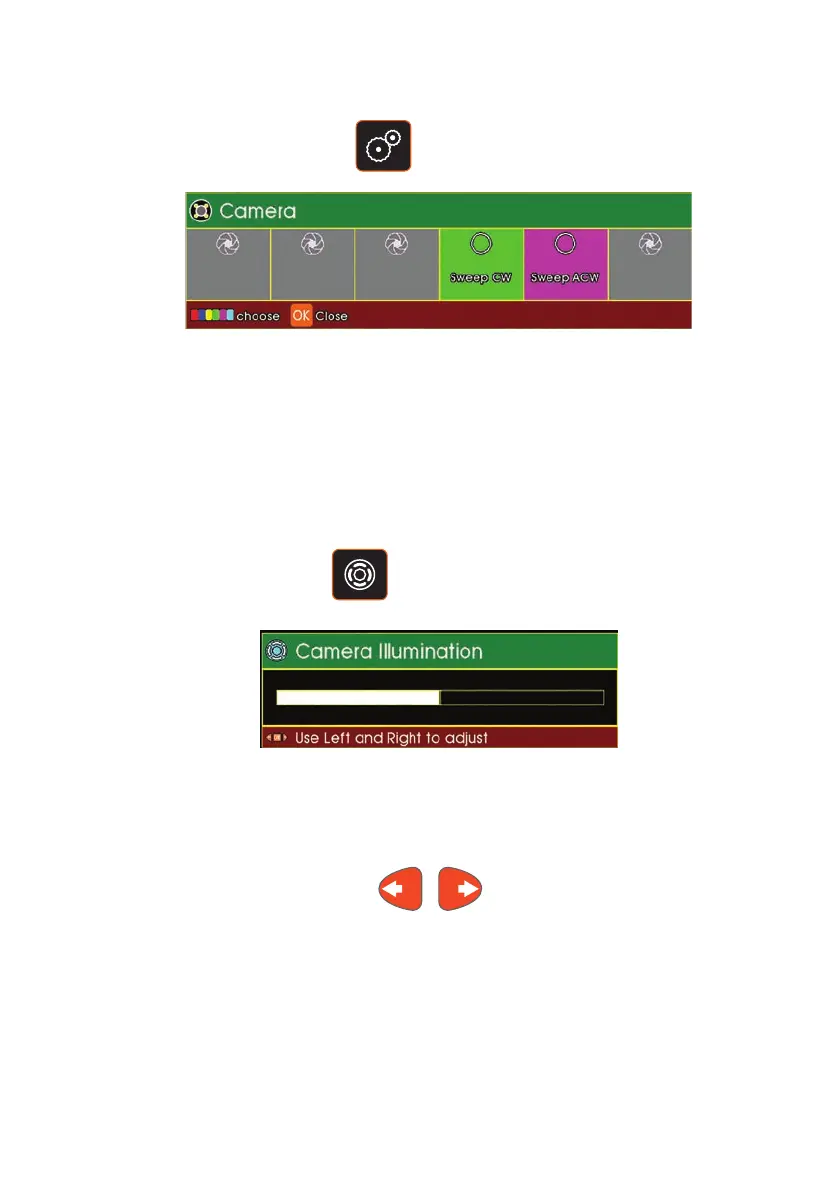
The menu displays the camera sweep options:
Press F4 (Green key) to sweep camera clockwise.
Press F5 (Magenta key) to sweep camera anti-clockwise.
Illumination
Press the Illumination key.
The Camera Illumination status bar will be displayed. Use the cursor control Left
Arrow key to decrease the illumination. Use the cursor control Right Arrow key
to increase the illumination.
55
Version G



 To Next Page