Mini-Cam CCU210
5
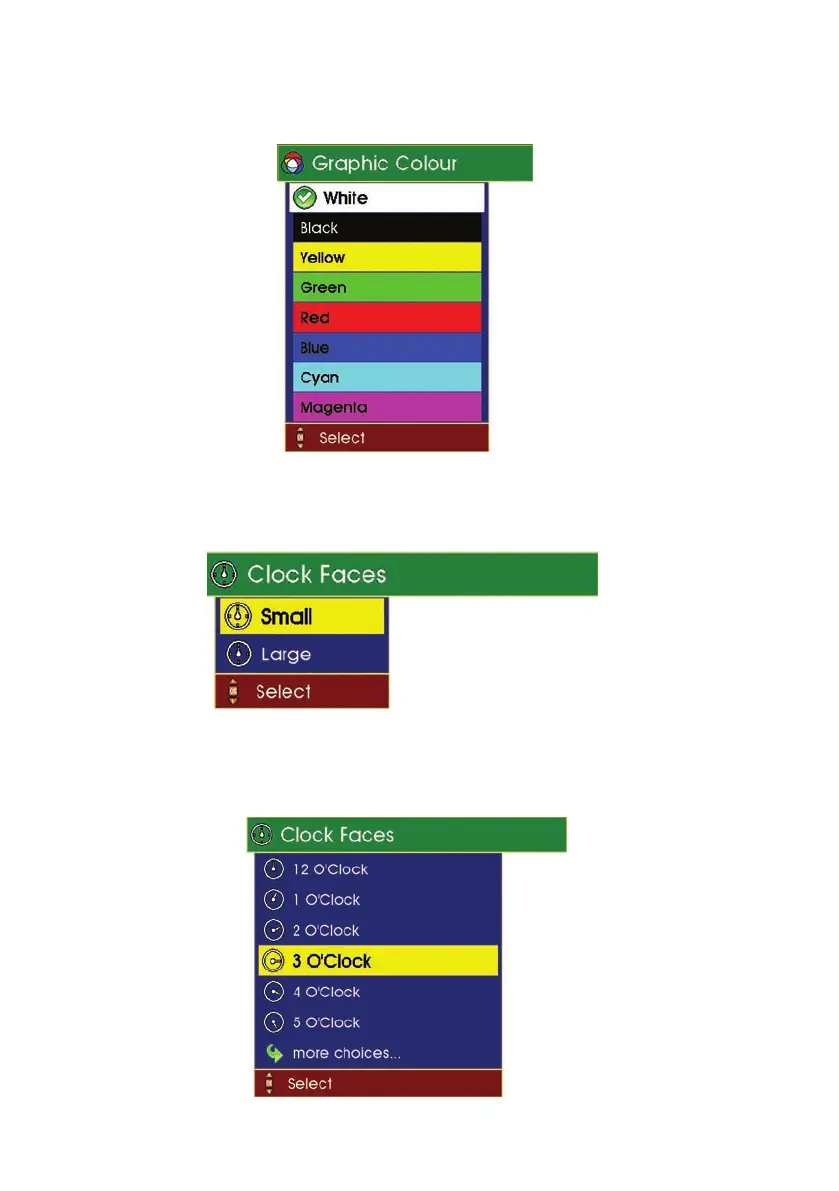
To colour arrows, use the Up Arrow keys and Down Arrow cursor keys to
highlight the graphic colour you require. Press OK.
6 To add clock faces, use the
Up Arrow keys and Down Arrow
cursor keys to
highlight in yellow the size of clock face you require. Press OK.
7 Use the
Up Arrow keys and Down Arrow
cursor keys to highlight in yellow
the “time” of clock face you require. Press OK.
82
Version G



 To Next Page