RS-232 Messages Cha
ter Six: RS-232 Communications O
tion
100
Example 3: How To Read the Input Signals on the I/O Connector
This diagnostic command (802) allows you to read the input signals on the I/O connector. To
perform this diagnostic test you will need to configure each input so you know the bit value of
the connector. The I/O connector has 16 inputs. Table 26, page 101, lists the input bit number
assignments and the bit values. A value of 65535 indicates that all the inputs are high. To
determine the connector value, add the bit values of the bits you wish to pull low, and subtract
that value from 65535.
1. Connect bit 7 (I/O pin 24) and bit 15 (I/O pin 10) to digital ground (I/O pin 4) to pull the
inputs low.
2. To determine the value of the inputs read by the 670 instrument, issue the query:
@802?
3. The 670 instrument will respond with:
@
80249087
To determine whether bits 7 and 15 are low, subtract the value of each bit from the total
value of the connector:
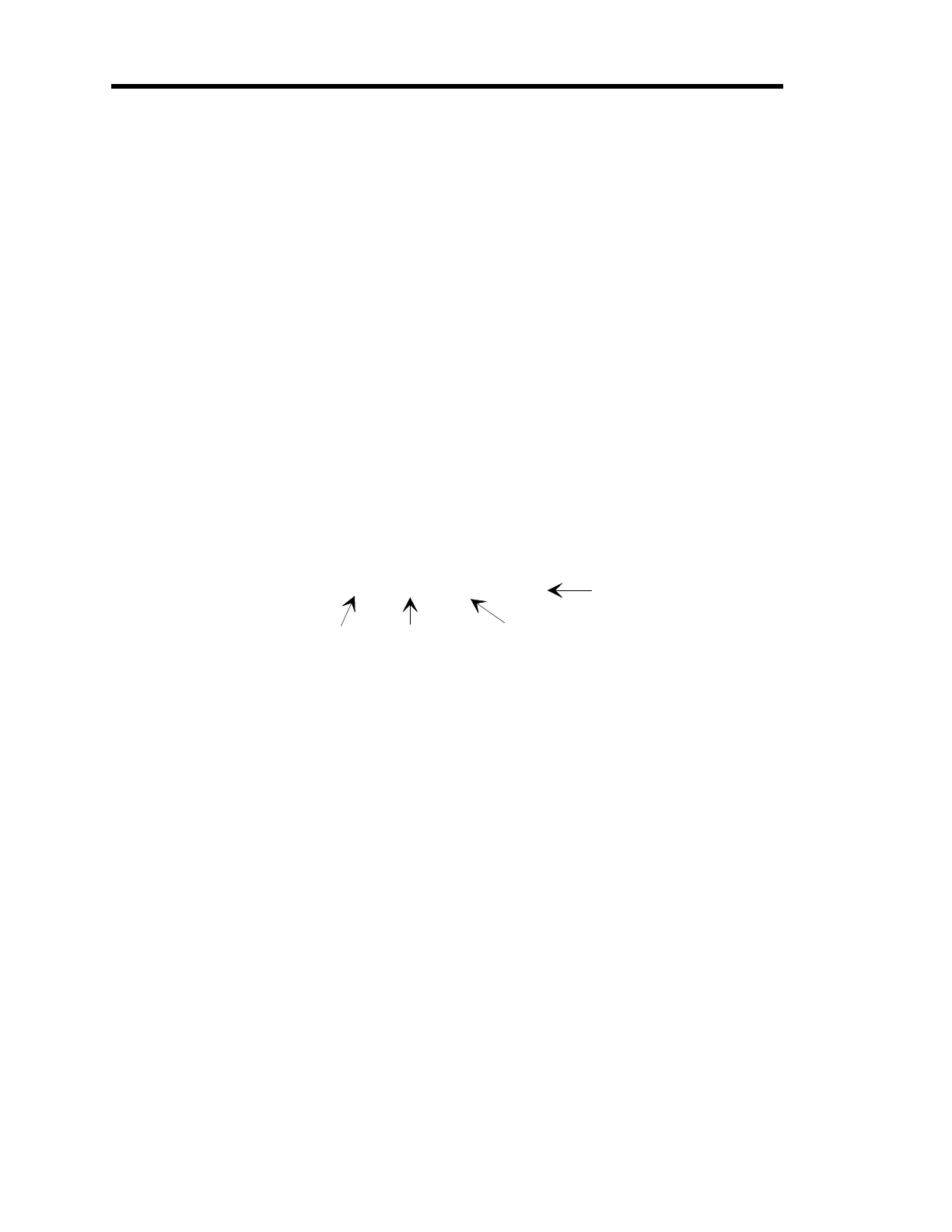
65535 - (64 + 16384) = 49087
Connector value
when all bits are hi
h
Value of bit 7
Value of bit 15
Value returned by
the 670 instrument
The value returned by the 670 instrument indicates that bits 7 and 15 are low.
Artisan Technology Group - Quality Instrumentation ... Guaranteed | (888) 88-SOURCE | www.artisantg.com



 To Next Page