Chapter Five: Operation How To Dis
la
the Software Version Numbe
81
How To Display the Software Version Number
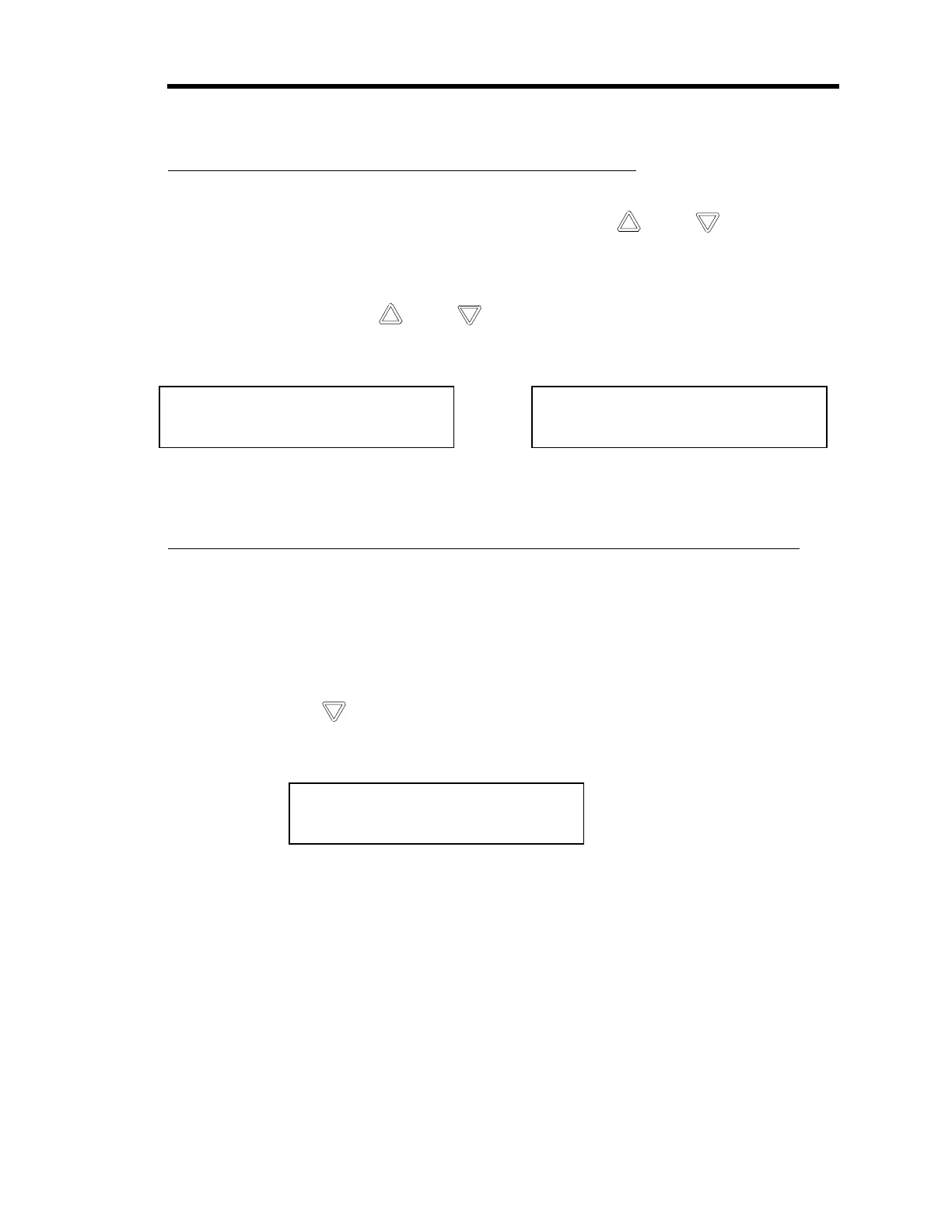
1. From the pressure display screen, press an arrow key ( [ ] or
[ ] ) until the
software version number display screen appears.
The version number is displayed below the pressure reading.
2. Press an arrow key ( [
] or
[ ] ) to return to the pressure display screen.
The instrument scrolls to the pressure display screen.
Ch1 760 Torr
V1.2 RS232C
or
Ch1 760 Torr
V1.2 IEEE-488
How To Display the Heater Current with the Pressure Reading
The 670 instrument can display the amount of power being supplied to a heated transducer, along
with the pressure reading. Once you select this screen, it will appear every time you exit out of a
menu. Once you power down, the normal pressure display screen (without the heater status) will
reappear, however. Refer to
Heater
, page 47, for more information.
•
From the normal pressure display screen, that appears upon power-up, press the down
arrow key ( [
] ).
The instrument displays both the pressure reading and the heater current.
Ch 1 760 Torr
heater: 100%
The software version is also displayed briefly upon startup.
Artisan Technology Group - Quality Instrumentation ... Guaranteed | (888) 88-SOURCE | www.artisantg.com



 To Next Page