Chapter Five: Operation How To Select the Ran
e Settin
Remotel
79
How To Select the Range Setting Remotely
The Head connector on the Signal Conditioner board provides the ability to select the range
setting remotely.
1. Place the Key Lock switch, located on the front panel, in the
REMOTE
position.
2. To select the desired range, apply the appropriate signal to pins 3 and 4 on the Head
(lower) connector of the Signal Conditioner board.
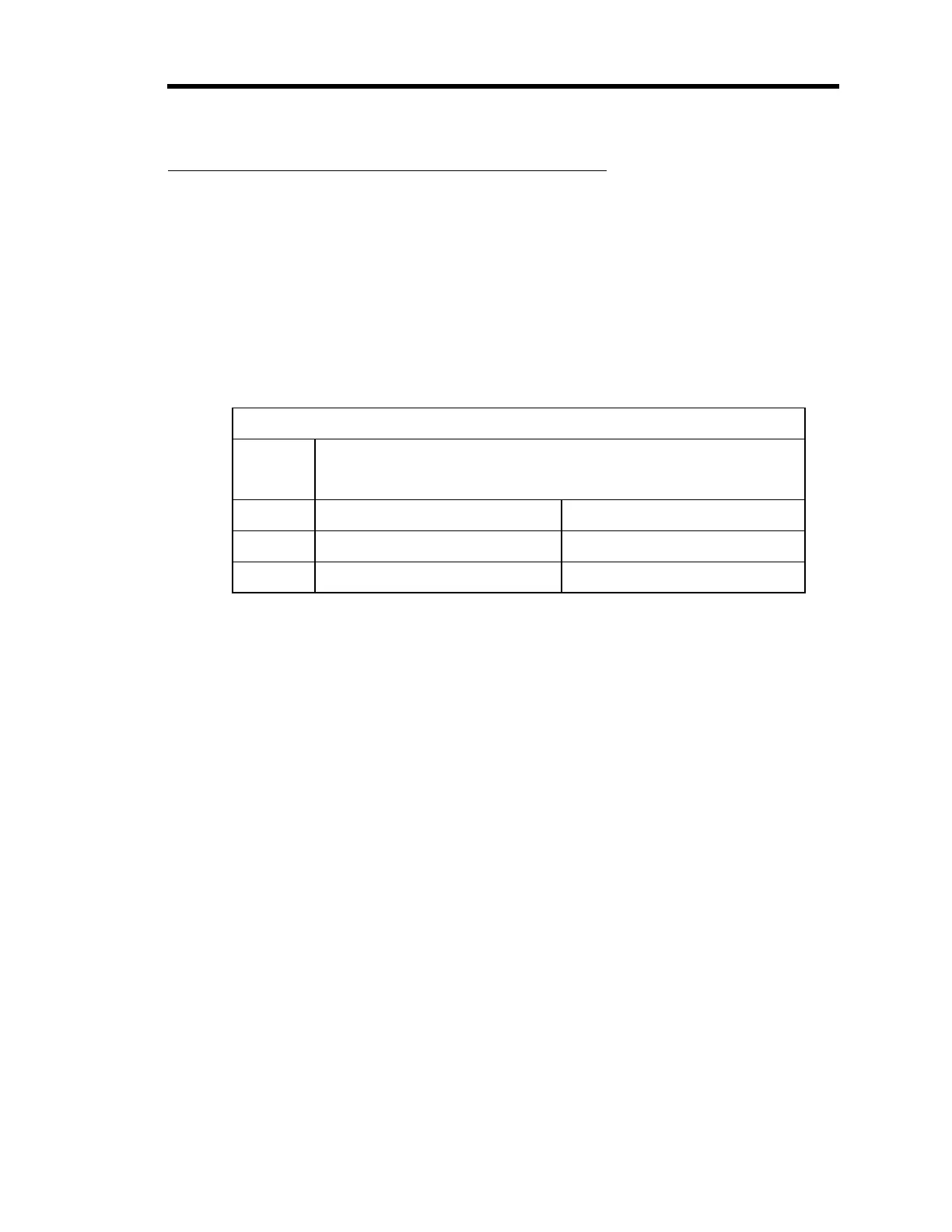
Table 18 lists the logic levels and the corresponding ranges.
Pin State for Remote Range Selection
Range Head (Lower) Connector on the Signal Conditioner Board
Pin 3 Pin 4
x1 HI HI
x0.1 LO HI
x0.01 HI LO
Table 18: Pin State for Remote Range Selection
Refer to Table 11, page 39, for a complete list of the pin assignments for the Head
connector on the Signal Conditioner board.
Artisan Technology Group - Quality Instrumentation ... Guaranteed | (888) 88-SOURCE | www.artisantg.com



 To Next Page