The [SETUP] Key Cha
ter Four: Functional Overview
46
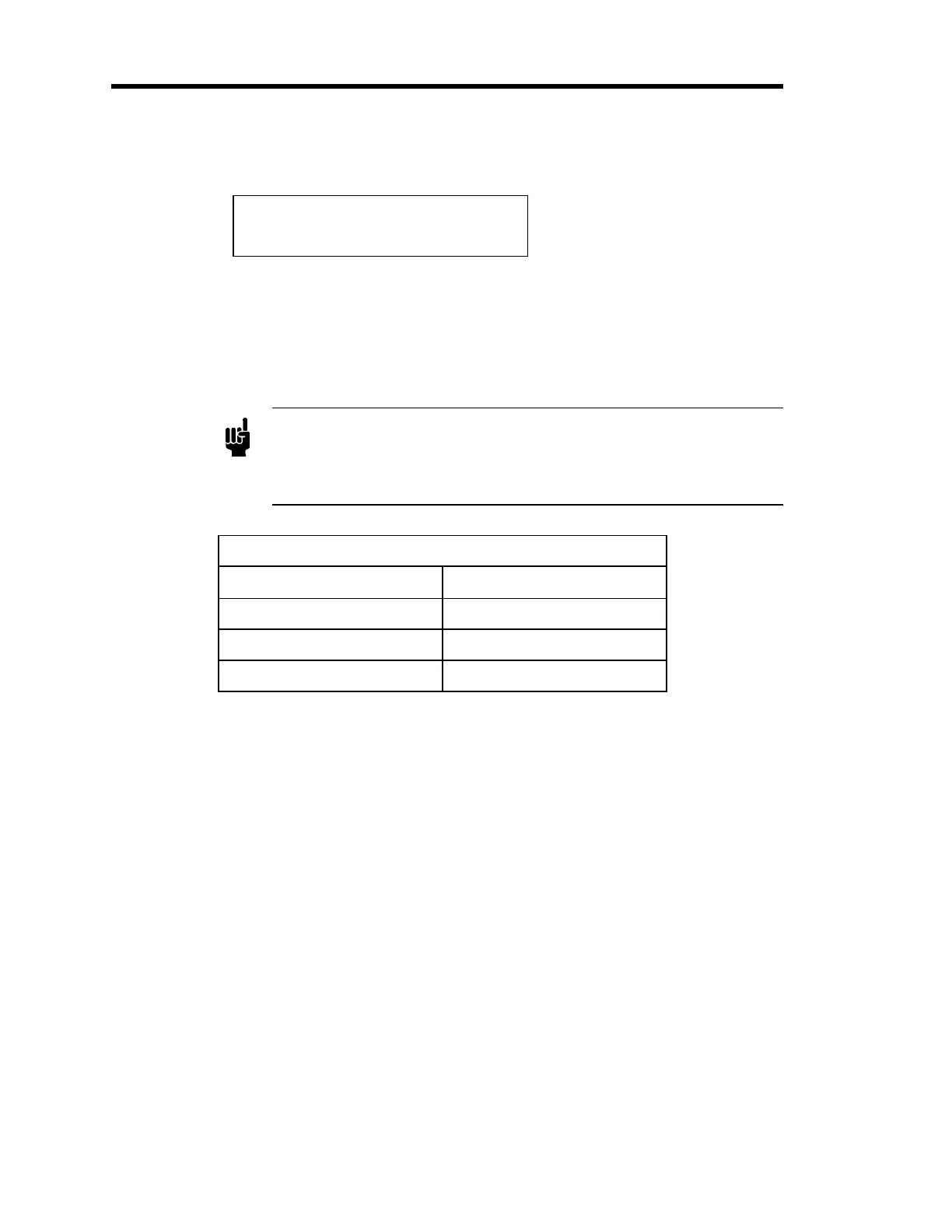
Response
Ch 1 760 T
Response 400 mSec.
The response can be set to 1, 40, or 400 milliseconds. The response entry selects the filter used
to reduce noise in the pressure signal
before
it goes to the analog-to-digital (A/D) converter. This
entry affects the displayed value, the value reported by the remote communications, and the
pressure output signal. Setting the response too low may cause a noisy signal. Use the Adjust
knob to toggle through the three options.
Note
The response entry does not affect the sampling period of the A/D
converter or the display update rate. The A/D converter samples every
0.1 seconds (ten times
er second). The
ressure readin
in the dis
la
is
updated every 0.25 seconds (four times per second).
Instrument Response Settings
Milliseconds
≈3 db Frequency (Hz)
1 165
40 4
400 0.4
Table 13: Instrument Response Settings
Averaging
, page 51, discusses the relationship between the response and averaging entries.
Artisan Technology Group - Quality Instrumentation ... Guaranteed | (888) 88-SOURCE | www.artisantg.com


 To Next Page