How To Adjust Hysteresis Cha
ter Five: O
eration
78
How To Adjust Hysteresis
Refer to
The [TRIP POINTS] Key,
page 54, for a complete description of trip points and
hysteresis.
1. Press the
[
TRIP POINTS
] key.
The system responds by displaying a trip points screen.
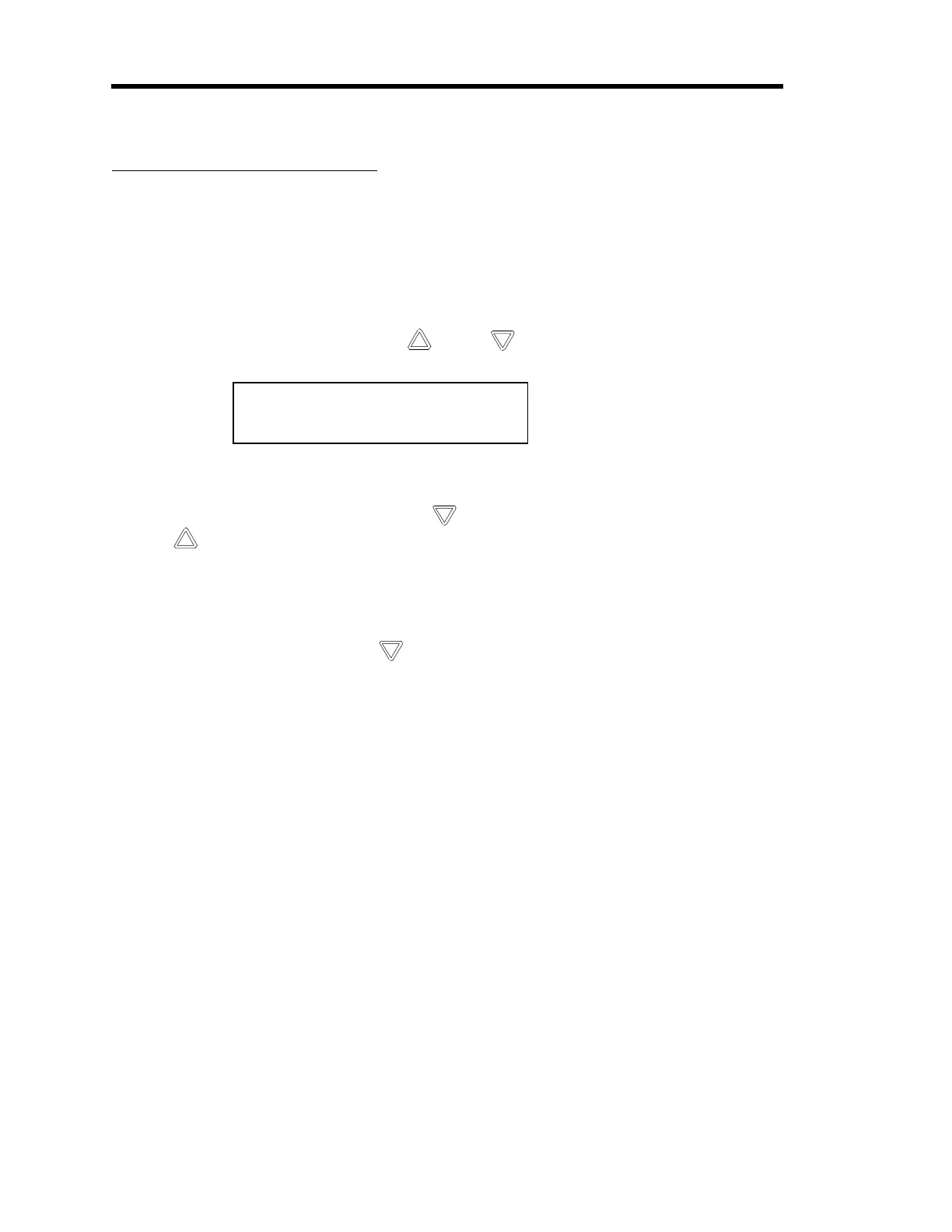
2. Repeatedly press an arrow key ( [
] or [ ] ) to scroll to the hysteresis screen:
TP A Hyst: 1.00%
TP B Hyst: 1.00%
The system responds by displaying the screen with the cursor positioned at the entry for
TP A if you pressed the down arrow [
] key and TP B if you pressed the up arrow
[
] key.
3. Use the [
CURSOR
] key and the Adjust knob to adjust the hysteresis value.
The system responds by accepting the new hysteresis value for TP A.
4. Press the down arrow key ( [
] ) to edit the hysteresis value for TP B.
The system responds by moving the cursor to the entry for TP B.
5. Use the [
CURSOR
] key and the Adjust knob to adjust the value.
The system responds by accepting the new hysteresis value for TP B.
6. Press the [
TRIP POINTS
] key to return to the pressure display screen.
Artisan Technology Group - Quality Instrumentation ... Guaranteed | (888) 88-SOURCE | www.artisantg.com



 To Next Page