MKS Device Dependent Messages Cha
ter Seven: IEEE-488 Communications O
tion
122
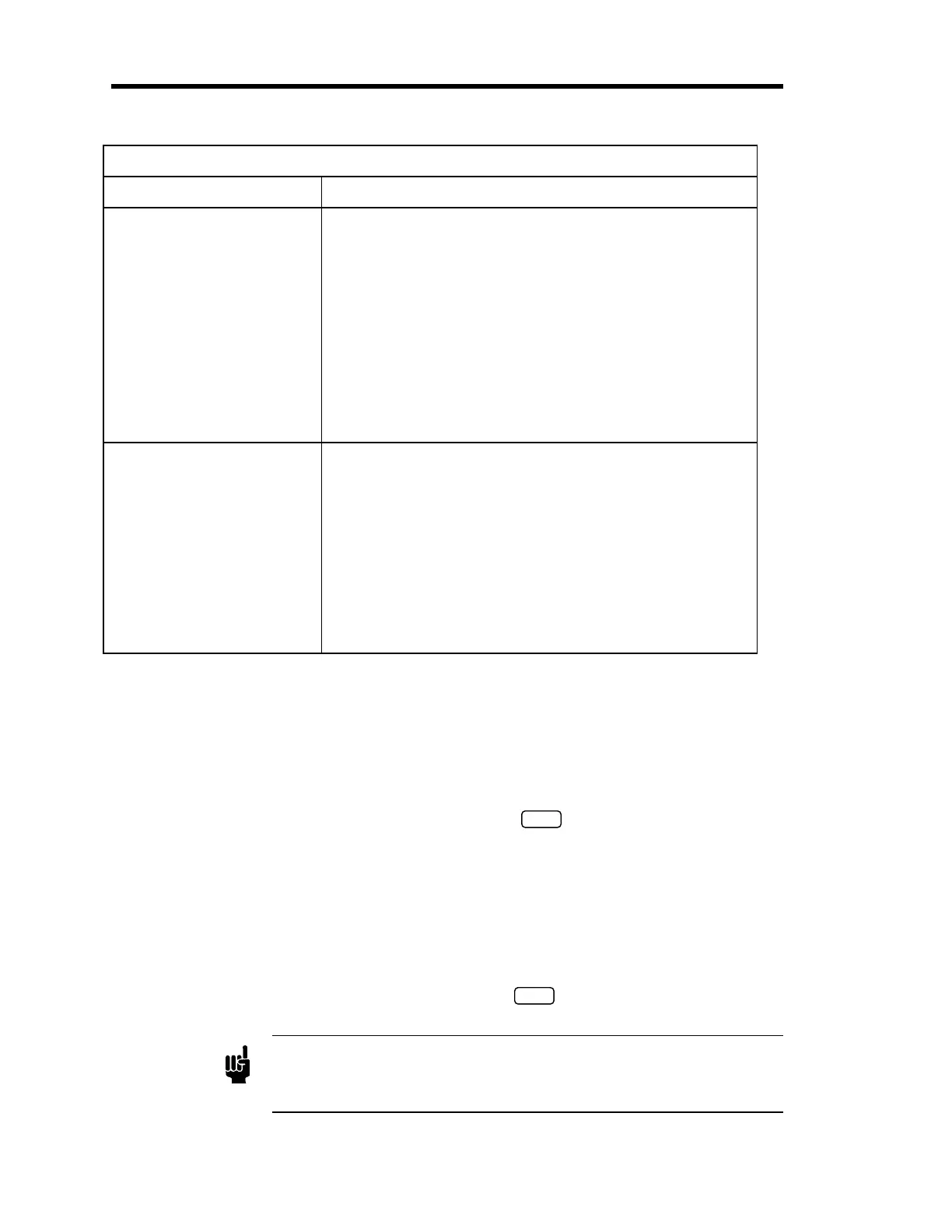
Trip Point Messages (
Continued
)
Function Message
Trip Point Channel
Command
Shortcut command
Query:
Shortcut query:
:control:relay
A or B
:trip (@
tp chan
)
:cont:rela
A or B
:trip (@
tp chan
)
:control:relay
A or B
:trip?
:cont:rela
A or B
:trip?
where
tp chan
equals:
1 for Channel 1
2 for Channel 2
3 for Channel 3
Latch Mode
Command
Shortcut command
Query:
Shortcut query:
:control:relay
A or B
:latch
state
:cont:rela
A or B
:latch
state
:control:relay
A or B
:latch?
:cont:rela
A or B
:latch?
where
state
equals:
enab for enabled
disa for disabled
Table 34: IEEE-488 Trip Point Messages
Example 1: How To Configure the Trip Point A Value
To set the TP A high value to 900, issue the following command:
:control:relay a:high 900
ENTER
Example 2: How To Set the Trip Point Hysteresis
The trip point hysteresis value is defined as a ± percent of the trip point value and can range from
0 to 10%. Refer to
How To Adjust the Hysteresis,
page 78, for more information.
To change the hysteresis value to 2% for TP B, enter:
:control:relay b:hyst 2
ENTER
Note
The 670 instrument will accept fractional entries with or without the
leading zero. For example, you may enter either “0.1” or “.1” to set the
hysteresis value.
Artisan Technology Group - Quality Instrumentation ... Guaranteed | (888) 88-SOURCE | www.artisantg.com


 To Next Page