68
M26 Camera Manual: Operating the Camera
ReconguringNetworkAddressesofCameras
Using Bonjour*, MxManagementCenter nds not only cameras on the same network as your
computer, but also MOBOTIX cameras located in other subnets (status: ). In such a case,
you would not be able to establish any connection to cameras in a dierent network or subnet.
This is the case, for example, if you are integrating cameras into a network without DHCP
server (i.e., with xed IP addresses) and the IP address range is dierent from the 10.x.x.x
range supported by the cameras in addition to DHCP.
MxManagementCenter can automatically congure such a camera so that it is ”integrated”
into your existing network. To do so, you have to select the respective camera and then click
on the
button at the bottom of the program window.
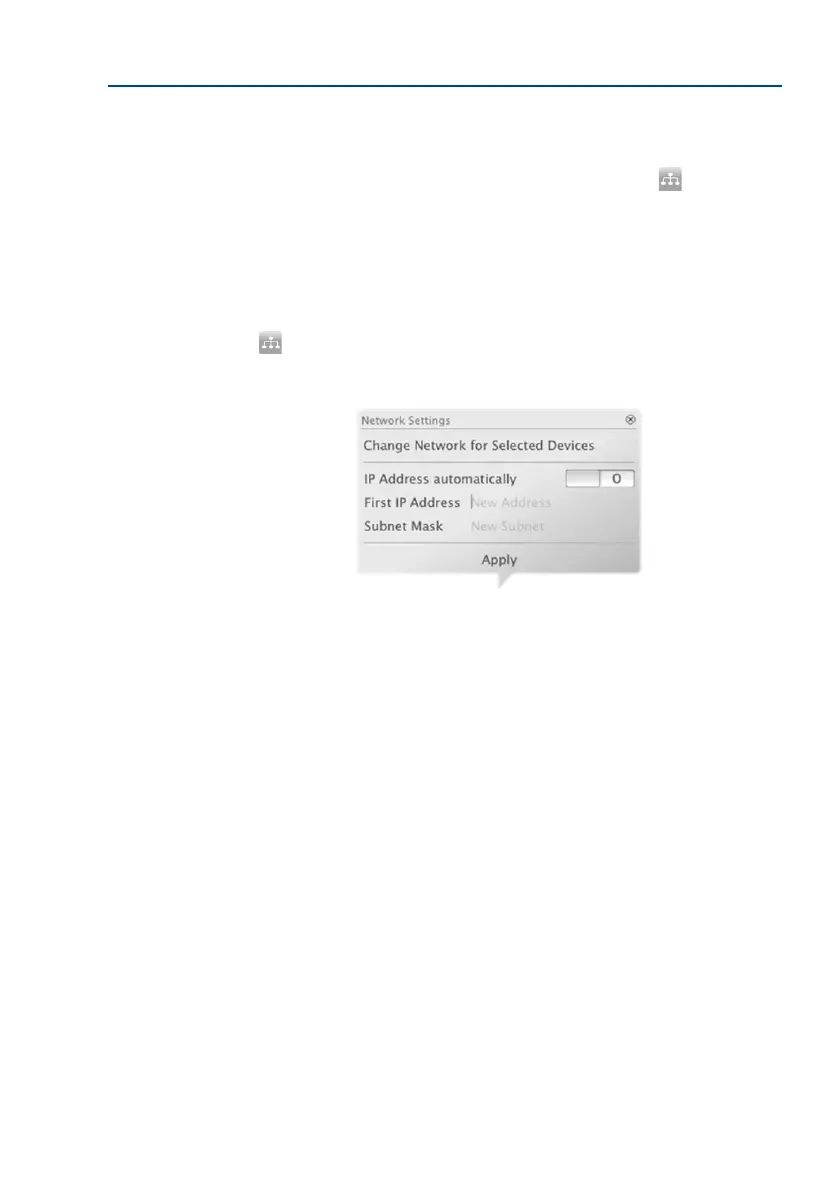
The Network Setting dialogue opens.
If you have assigned a xed IP address to your computer, you will certainly prefer to assign
xed IP addresses to the cameras. To do so, enter the IP address and the subnet mask. The
IP address is incremented automatically for each selected camera.
When you click on Apply, the selected cameras are automatically recongured and they are
located in the same subnet as the computer.



 To Next Page