95
Additional Notes
3.6.3 Permanently Deactivating the Microphone
Deactivating a camera’s microphone may be necessary in order to protect the privacy of
persons at a workplace or for other reasons. You can permanently and irreversibly deactivate
the microphone in the Admin Menu > Loudspeaker and Microphone dialog box.
Caution
This deactivation occurs in the camera module itself and cannot be reversed, even
at the factory. Deactivating the microphone will also deactivate all functions that are
making use of the microphone.
3.6.4 Using the Start Options of the Camera
• To reset the camera to factory settings and to use the factory IP address, please use
boot option 2 as described in Section 3.2.4, «Start Options of the Camera».
• To start the camera as a DHCP client and to automatically obtain an IP address,
please use boot option 3 as described in Section 3.2.4, «Start Options of the Camera».
Note
All dened users are deleted and the admin password is reset to the factory default when
you reset the camera using Admin Menu > Reset. Use boot option 3 as described in
Section 3.2.4, «Start Options of the Camera».
3.6.5 Activating Event Control and Motion Detection
In its default conguration, the camera’s event control and video motion detection features
are not enabled. In order to activate event-controlled recording, open Setup Menu > General
Event Settings and activate the Arming switch. Another method is to click on the Arm &
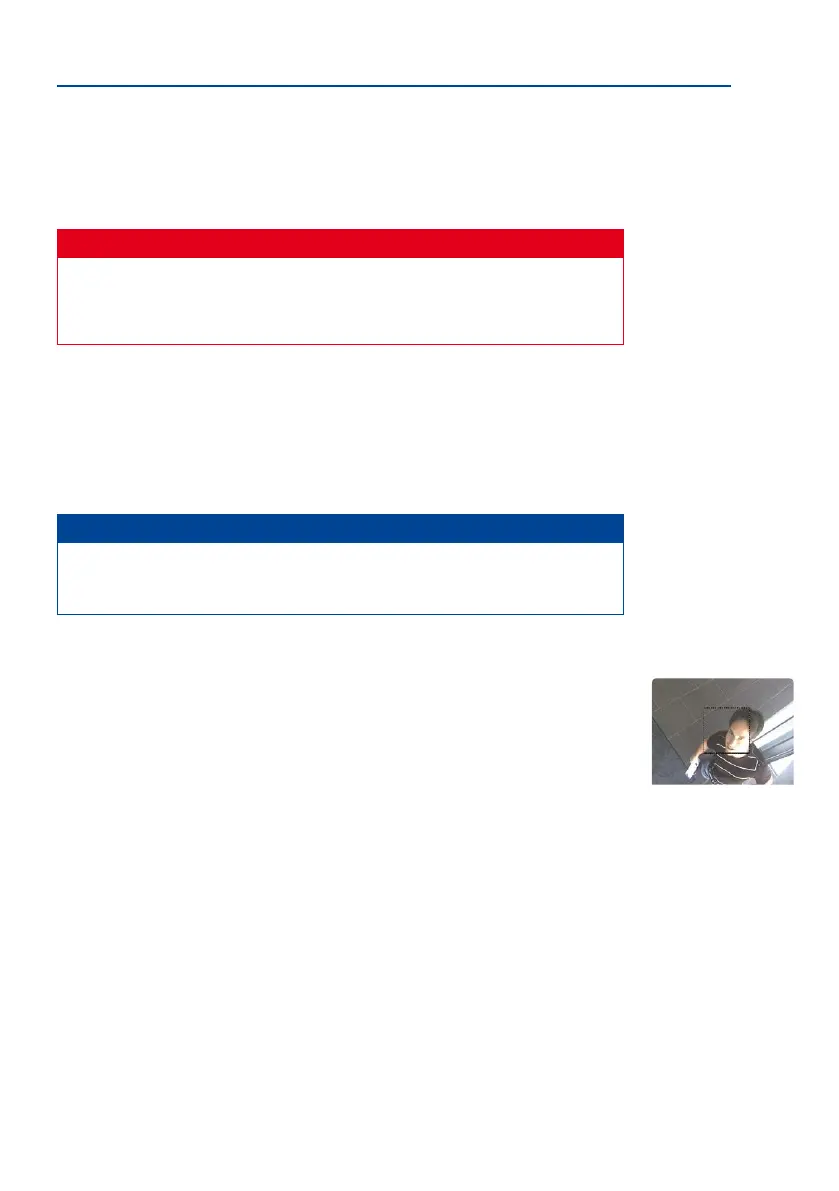
Record sobutton in the browser’s user interface. The camera displays the motion detection
window in the live image (dotted frame in the center) and the camera automatically stores
images as soon as the motion detection window detects movements.
3.6.6 Deactivating Text and Logo Options
As camera arming is deactivated in the camera’s default conguration (see preceding sec-
tion), the MOBOTIX camera only displays the text WWW.MOBOTIX.COM, the time stamp
and the MOBOTIX logo at the top of the image. Once the camera arming has been activated,
the text at the bottom of the live image (event, action, messaging and recording symbols)
will also appear.
You can deactivate the status bar at the bottom of the live image and the text bar in the
top le-hand corner by setting Text Display in the Setup Menu > Text & Display Settings
dialog box to O. Setting Text Display to Date and Time will only display the time stamp in
the live image. To hide the logo in the live image, open Admin Menu > Logo Proles and
set Logo Display to Deactivated.
The microphone can be
irreversibly deactivated!
If the dotted rectangle in
the live image is visible,
the camera is armed
Text and logos can be
also deactivated or indi-
vidually congured



 To Next Page