63
EN
TECHNICAL MANUAL - B CLASSIC / B FUTURA / S CLASSIC
SERVICE MENU
COMPONENT TEST – FUNCTIONAL CHECKS –
SOLENOID VALVES/OTHER COMPONENTS
SQ11
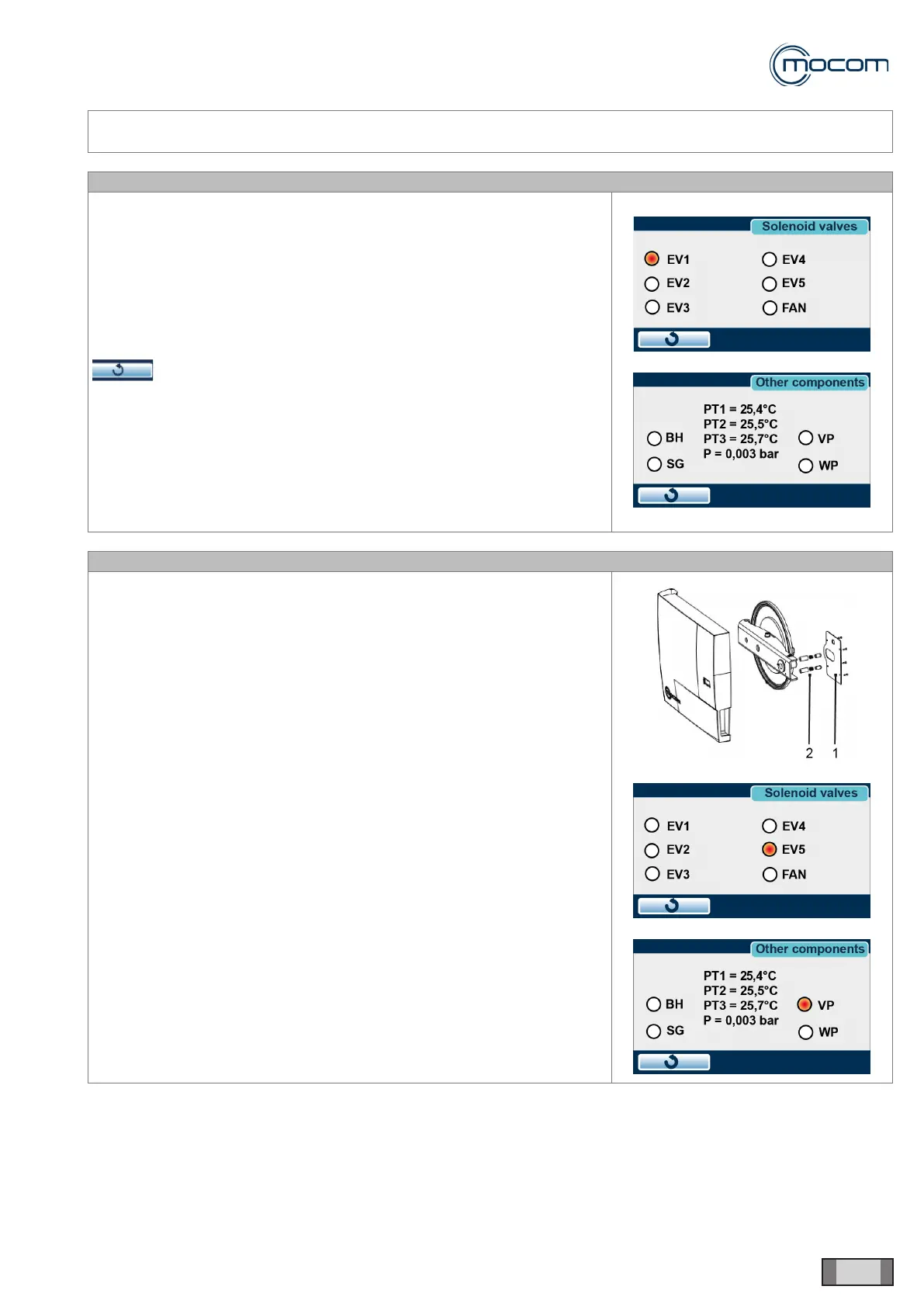
The following menus can be used:
- SOLENOID VALVES
- OTHER COMPONENTS
These menus are used to test individual component or to activate and test
several components at the same time to check the different functions that
are supposed to be performed during a sterilization cycle.
To activate several components available in the two menus at the same
time, you may toggle between the two menus using the command
, which changes between menus while retaining the commands
activated previously.
SQ12 – CHECK EV5 FOR PROPER CLOSING
Detach the door cover from the cross member/porthole assembly by
removing the steel plate ref.1 while paying attention to the pusher/spring
assemblies ref.2.
Close the door, access the SERVICE menu and select COMPONENT
TEST.
- From the SOLENOID VALVES menu, activate EV1 and EV4
- Go to the OTHER COMPONENTS menu
- Activate VP – vacuum pump
- Go to the SOLENOID VALVES menu
With EV5 closed (not activated), there should be no air suction from the
middle of the bacteriological lter.
With EV5 open (activated), there should be air suction from the middle of
the bacteriological lter.
De-activate the components after completing the test.



 To Next Page