Operating Instructions
View the difference between traces
1) Press the SCAN button. The Scan and Trace menu appears.
2) Press the SELECT button repeatedly until the first trace of interest is selected.
3) Select the Math option from the Scan and Trace menu and choose Set Base. The selected
trace is now a base trace for further Math functions.
4) Press the SELECT button again until the second trace is selected.
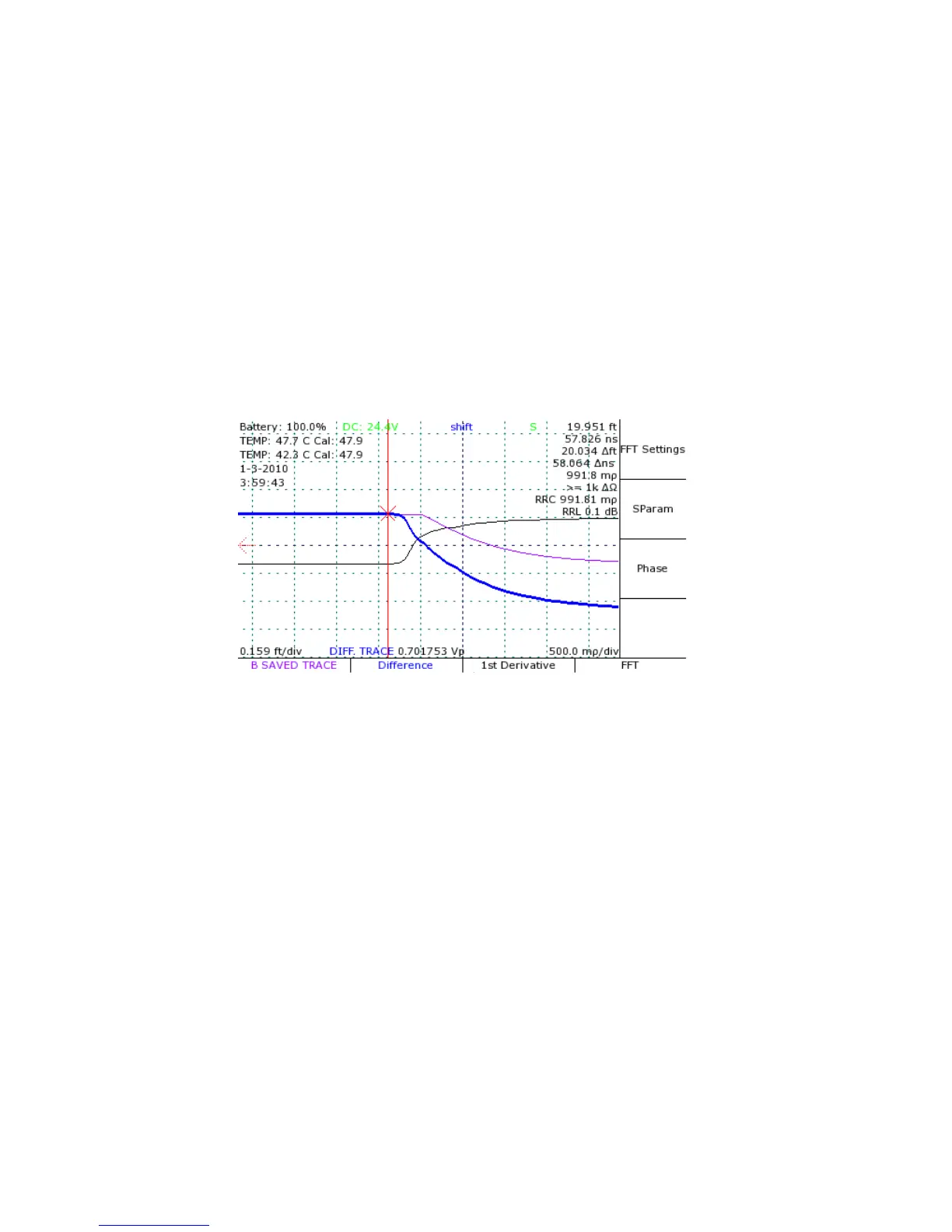
5) Select Difference from the Math menu. A new trace is created that displays the difference
between the base trace and the selected trace. See Figure 16.
46 Mohr CT100 / CT100HF Operator's Manual
Figure 16: Difference trace. The bold trace is created by
subtracting the bottom (live) trace from the top trace.



 To Next Page