EasyManua.ls Logo

Mohr CT100 - Page 99

Default Icon
121 pages
Print Icon
To Next Page IconTo Next Page
To Previous Page IconTo Previous Page
Loading...
Appendix E: Operator Troubleshooting
Mohr CT100 / CT100HF Operator's Manual 93
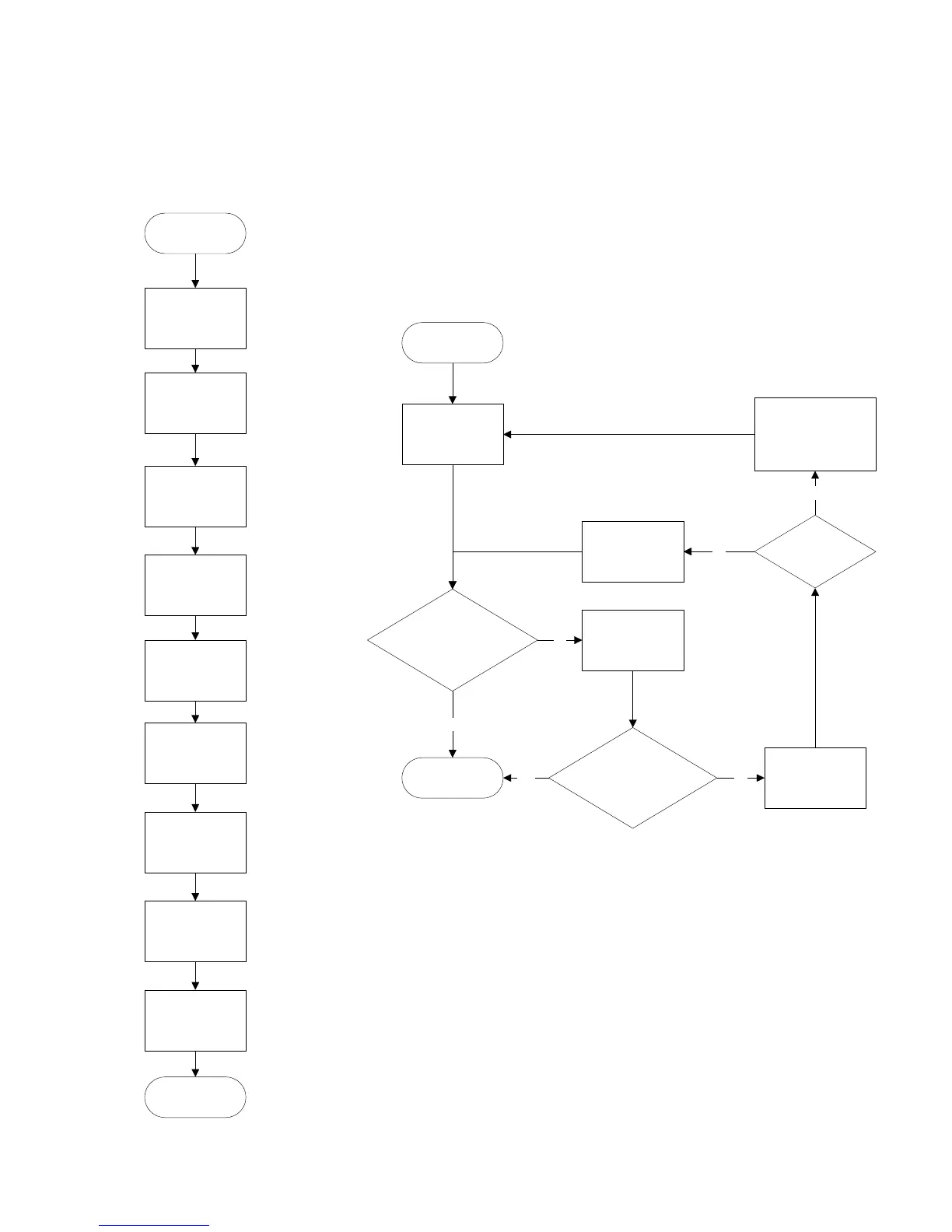
DC Power Supply
Diagnostics
Plug 24 volt DC
power supply into
a wall socket
Does the light on the
power supply come on?
Make sure the
power supply is
firmly plugged in.
Does the light on the
power supply come on?
Test outlet with
working device or
outlet tester.
Does the
outlet work?
Change to a
working outlet
Device power supply
is likely defective .
Replace it with a
functional supply
no
no
no
yes
yes
yes
Power Board and
Fan Diagnostics
Start Mohr CT100
Diagnostics
DC Power Supply
Fan and Power
Board
Screen and
Computer
Front Panel
Main Board
Analog
Finished
Diagnostics
Main Diagnostic
Sequence
DC Power Supply
RTC
Operations
File

Table of Contents

Related product manuals