STAR™ 3000 / eNode3000 User Manual
www.mojix.com
(877) 886-6549
8.2 GPIO Cabling
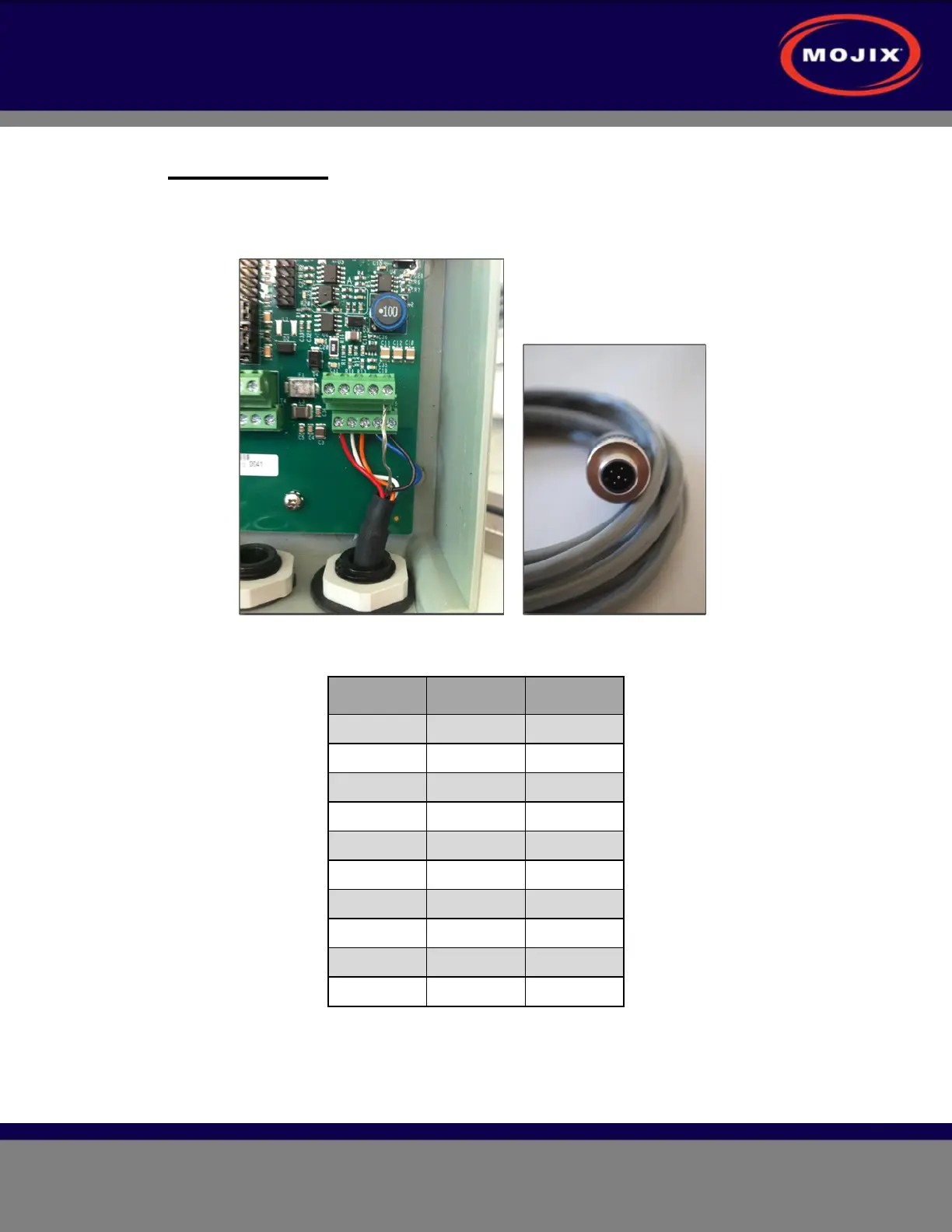
The GPIO unit comes with the input cable pre-installed; however, in the case where GPIO
boxes need to be daisy-chained together, the following figure and table provide wiring and
pinout details for the input terminal block.
Figure 20: GPIO Input Terminal Wiring
Wire Color Signal
1 Red 24V
2 White RS-485 A
3 Orange RS-485 B
4 Blue + 3V
5 Black GND
6
7
8
9
10 Shield GND
Table 8: GPIO Input Terminal Block
For directions on how to connect sensors and actuators to the GPIO unit, please refer to the
GPIO User Guide which is provided separately.



 To Next Page