STAR™ 3000 / eNode3000 User Manual
www.mojix.com
(877) 886-6549
9. Click the button. The STAR will reboot (which requires approximately 2 minutes).
10.3.3 Change the User Name and/or Password
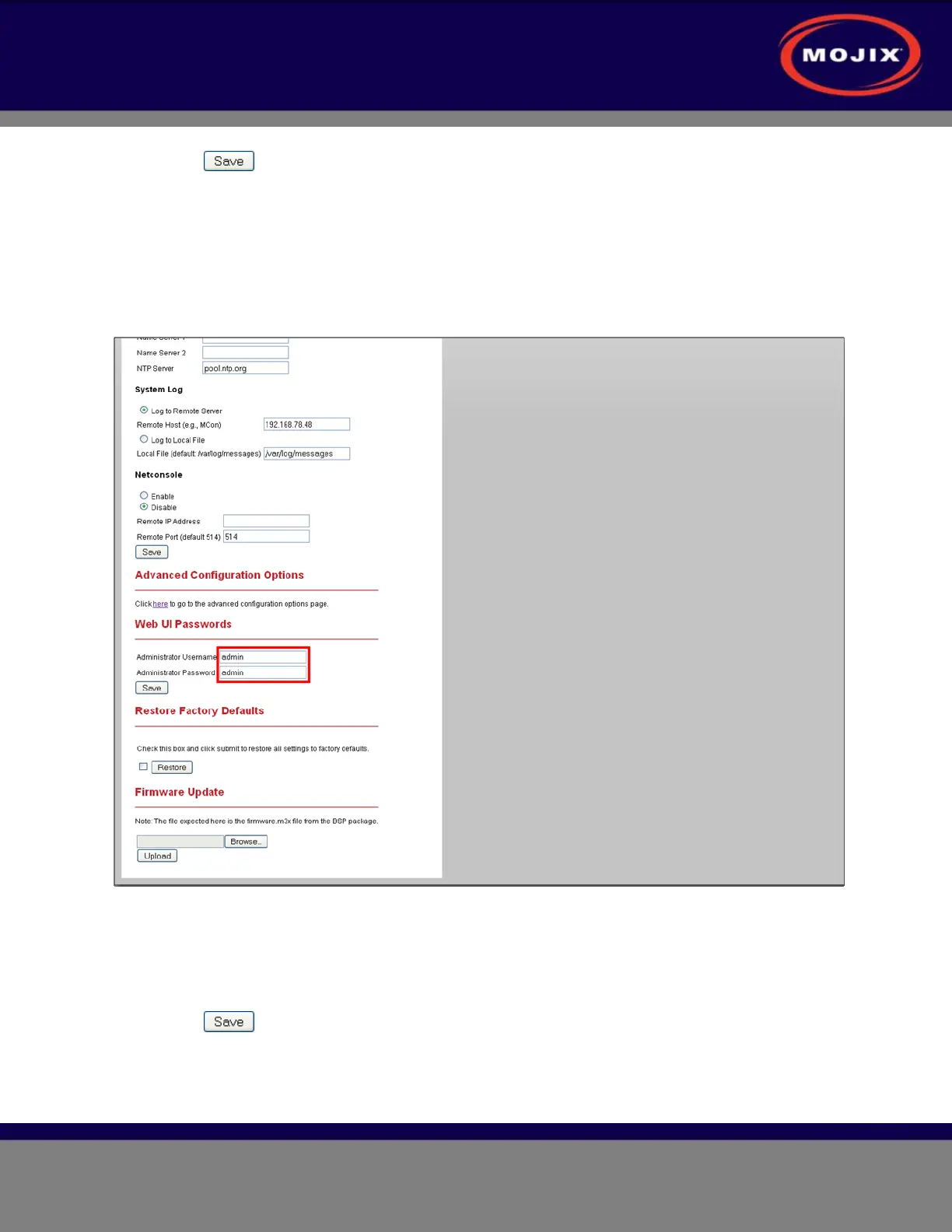
Perform the following procedures in the System Configuration page to change the current
username and/or password to access the STAR network settings:
1. Navigate to the Web UI Passwords section of the System Configuration page (example shown
below).
Figure 38: System Configuration Page
2. Enter the desired user name in the Administrator Username field.
3. Enter the desired password in the Administrator Password field.
4. Click the button.



 To Next Page