STAR™ 3000 / eNode3000 User Manual
www.mojix.com
(877) 886-6549
Figure 33: MCON Desktop Terminal Session
(e) Press <ENTER>.
(f) Type y at the prompt.
(g) Type sudo yum install flash-plug-in and then press <ENTER>.
(h) Type y at the prompt.
(i) Quit and restart Firefox. You should now be able to access the STAR 3000 Web Interface via
Firefox on the MCON desktop.
5. Reboot the STAR that you want to connect to and wait about a minute.
6. Type the following in the terminal session on the MCON desktop:
sudo s3k_bring_up
7. Press <ENTER>.
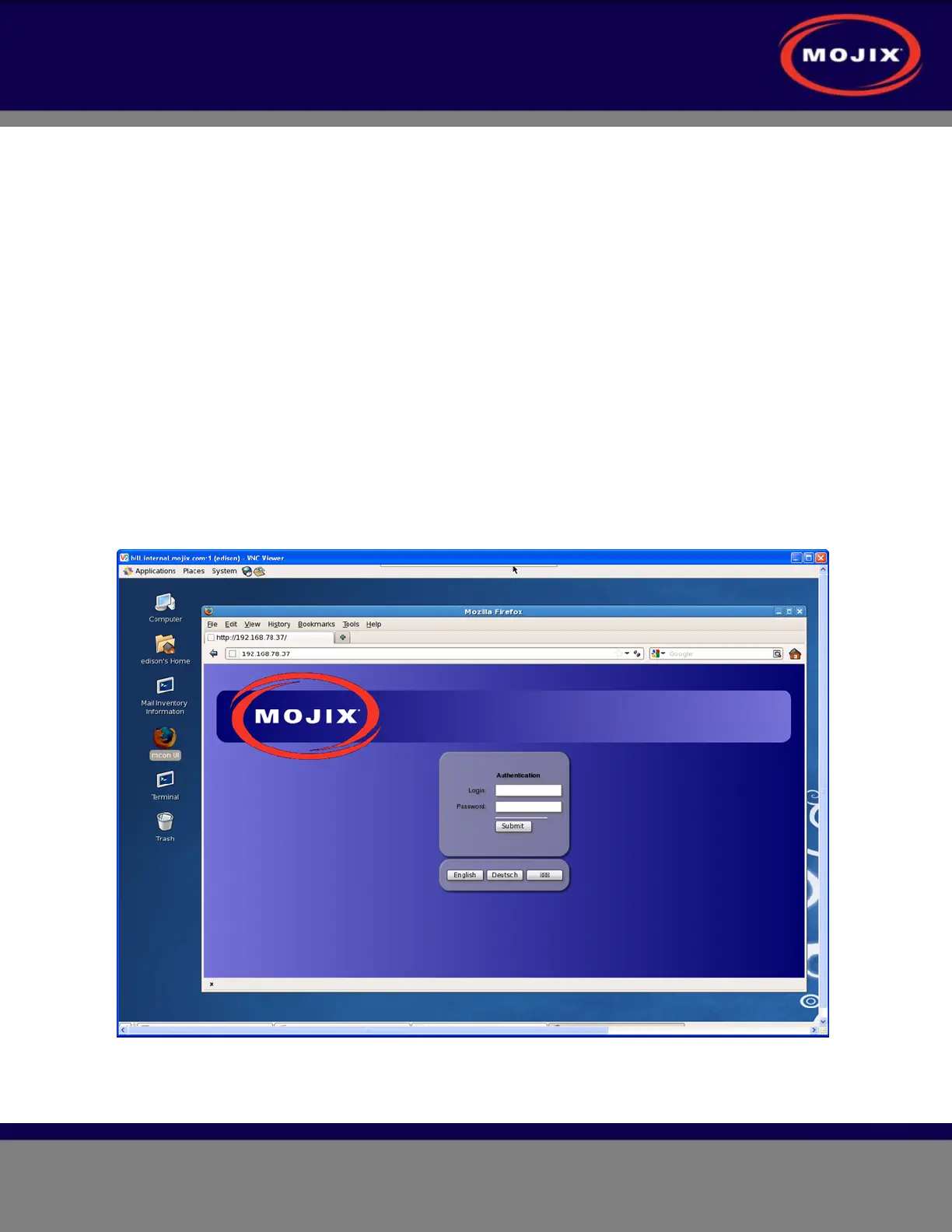
8. You should now have a Firefox browser session connected to the STAR (example shown below).
Figure 34: MCON Desktop (Firefox Session)
9. Log in as admin (with no password) and proceed to configure the network settings of the STAR.



 To Next Page