STAR™ 3000 / eNode3000 User Manual
www.mojix.com
(877) 886-6549
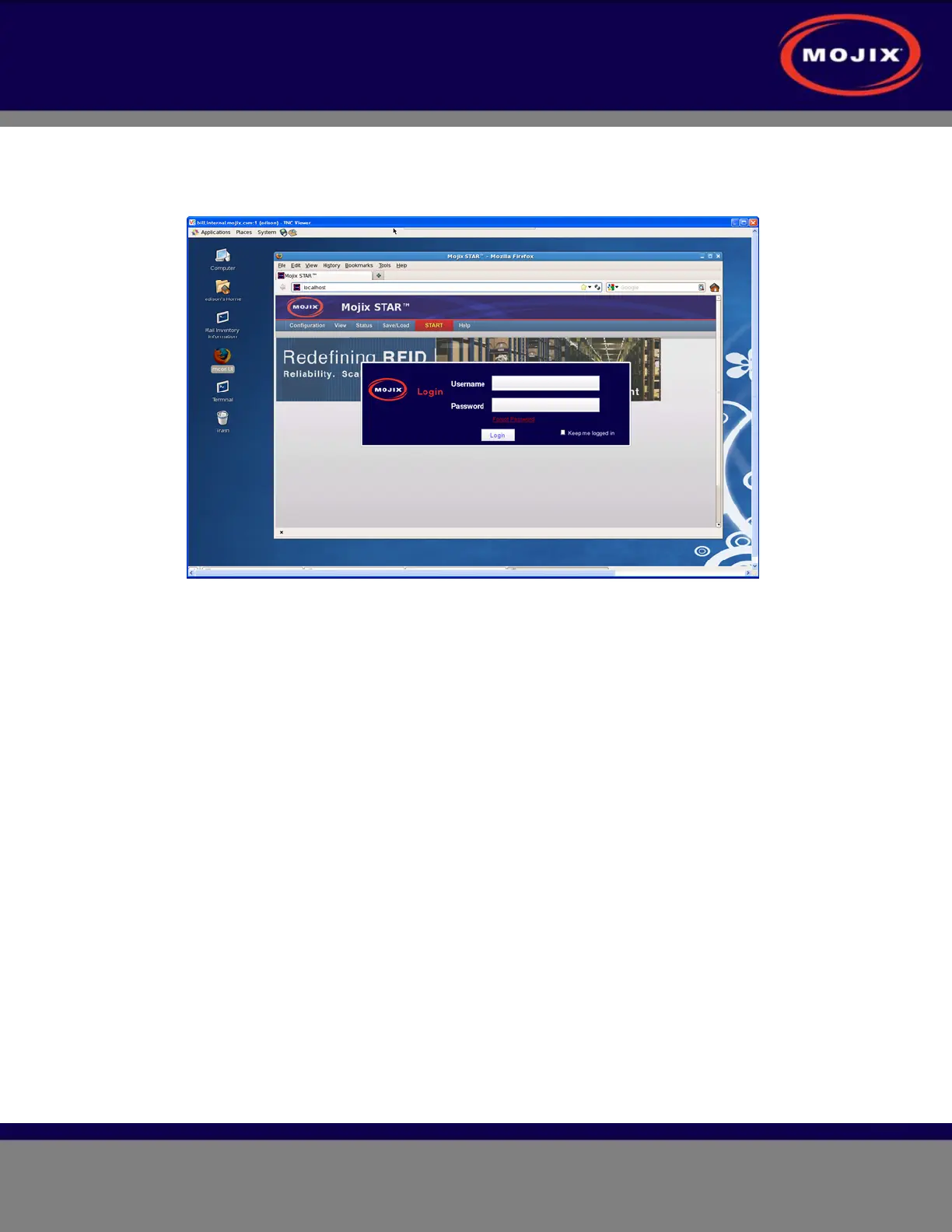
3. Start the VNC service (example shown below).
Figure 27: MCON Session in VNC
4. The following steps are needed to be performed only if Firefox is required to be run. If not, proceed to
step 5 below.
(a) Log on as “edison”.
(b) In Firefox, click on the View pull-down menu, select Toolbars, and then select Navigation
Toolbar to enable the navigation toolbar (example shown below).



 To Next Page