STAR™ 3000 / eNode3000 User Manual
www.mojix.com
(877) 886-6549
10.3 STAR Network Setup
There are two methods to use for changing the network settings associated with your STAR
3000:
• Using a terminal session on the MCON desktop
• Using an Internet browser
10.3.1 Using a Terminal Session on the MCON Desktop
Perform the following procedures to access your STAR 3000 using its built-in Web interface to
edit the corresponding network settings when the IP address configuration of the STAR is
unknown:
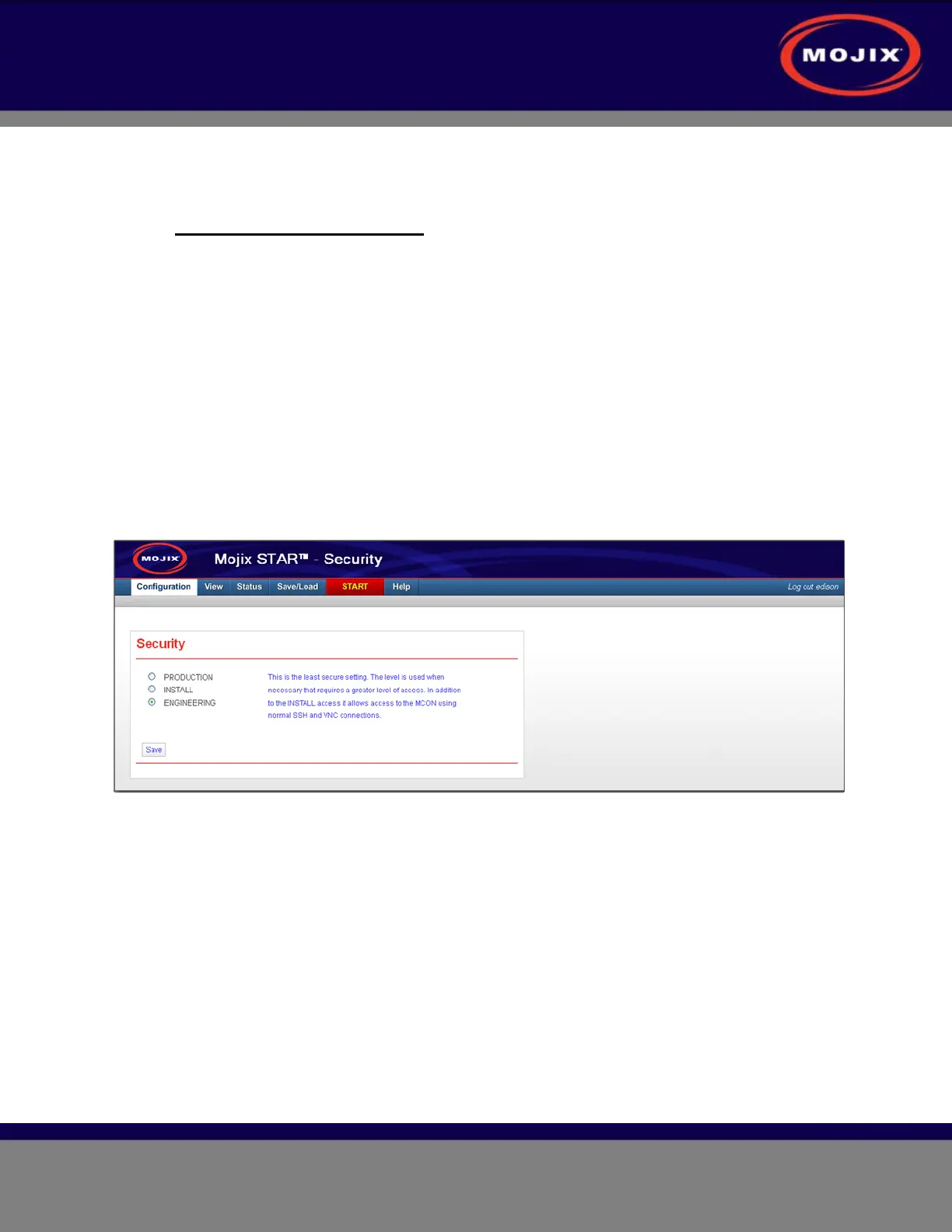
1. Set the security level to engineering via the Web user interface from your PC (example shown below).
Refer to section 3.6.1 Configure the Security Setting in the user interface guide document:
USERGUIDE-MCON-WebInterface for detailed instructions.
Figure 26: MCON Security Level Configuration
2. Open an ssh session to the MCON using putty.



 To Next Page