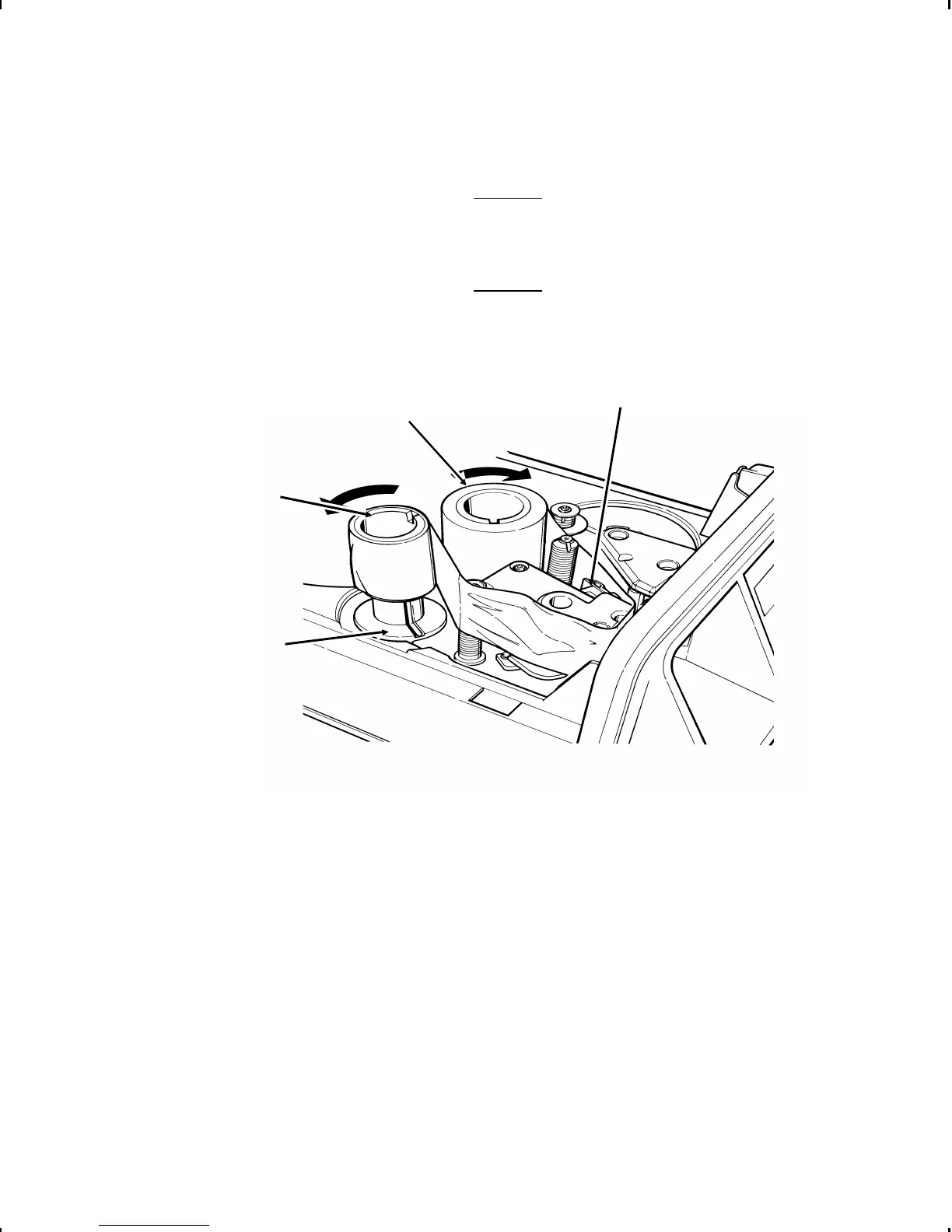
8. Place the full ribbon core on the ribbon reel as shown.
The ribbon reel feeds the ribbon in a
clockwise direction. The take-up reel winds
the ribbon in a counterclockwise direction.
9. Guide the ribbon down between the printhead and the front of
the printer and around the rollers as shown.
10. Place the empty take-up core on the take-up reel.
11. Press down firmly on the cores to ensure they are seated on
the bases.
Take-up
Core
Ribbon
Core
Printhead
Take-up Reel
3-4 Loading Ribbon



 To Next Page