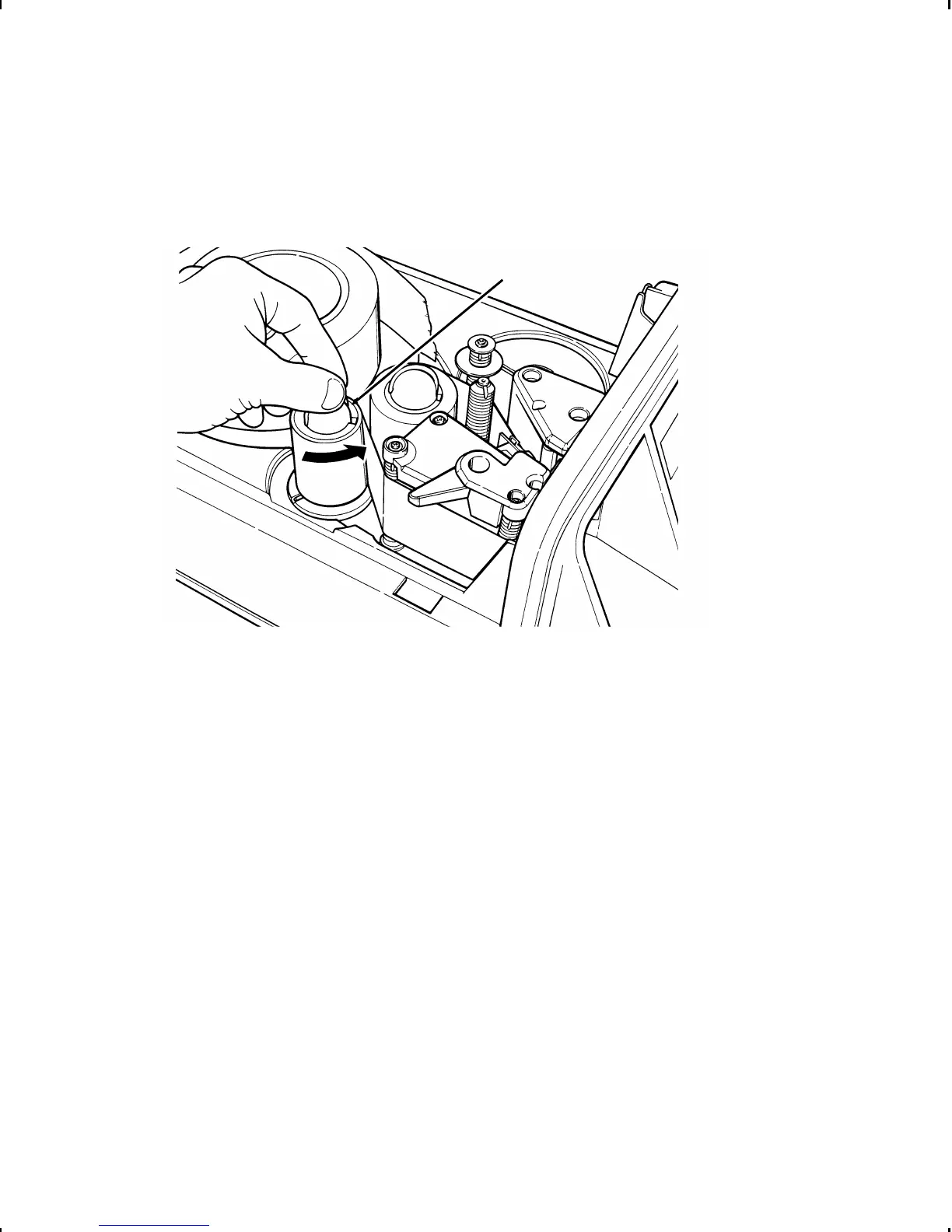
12. Manually turn the take-up reel as shown until the ribbon is
tight. Make sure the ribbon is not wrinkled or bunched.
13. Slide the supply through the printhead and slightly past the
printhead, as described in Chapter 2, "Loading Supplies."
14. Turn the printhead lever clockwise to close the printhead.
Take-up
Reel
Loading Ribbon 3-5



 To Next Page