Page 101 of 110
Rev. G
Section 13.5: Clear User Data
Clear User Data is a quick way to clear out the settings/configuration of the
mCore to an empty state. This will remove all protocols, tags, and reset the IP
credentials back to a factory reset of 192.168.10.220 on Ethernet 1 and DHCP for
Ethernet 2.
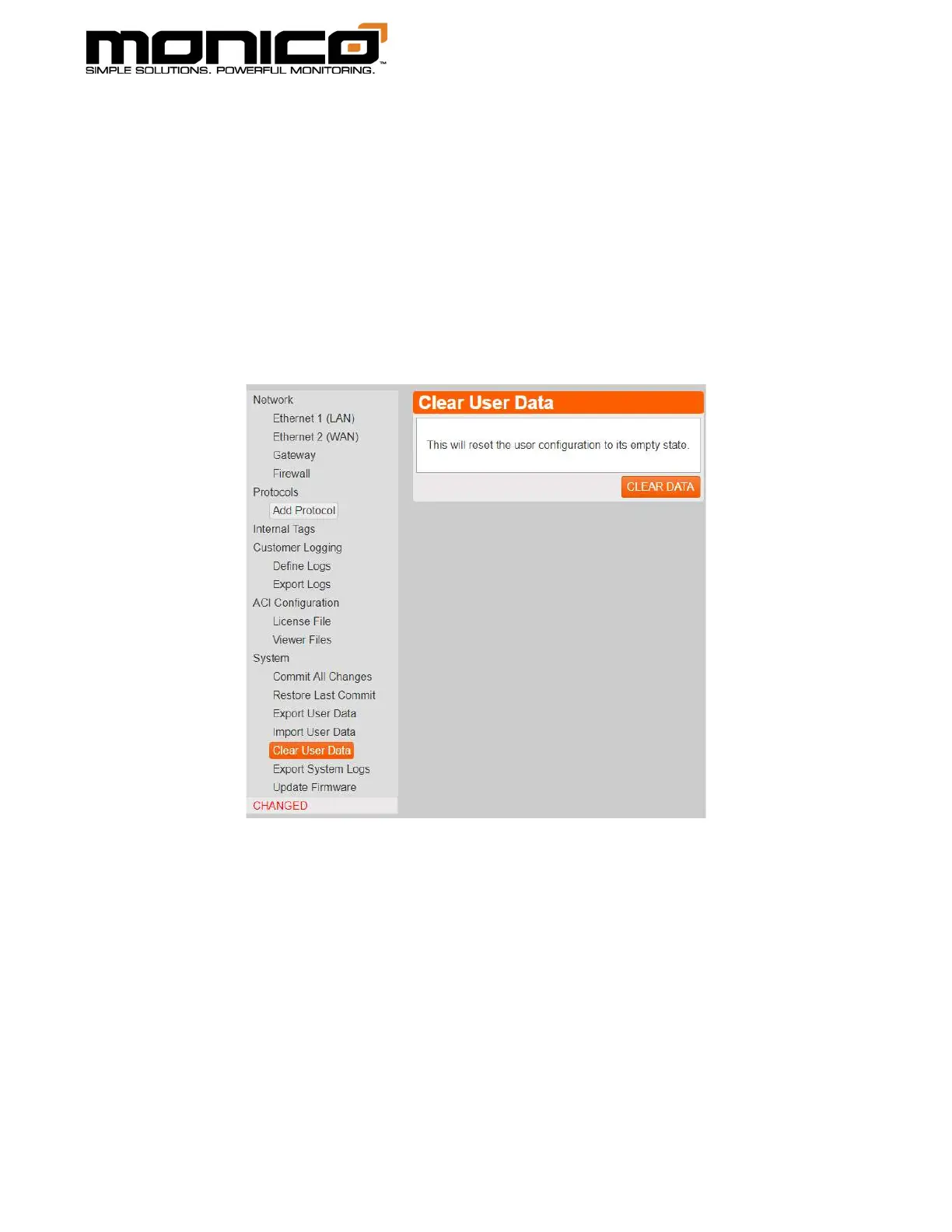
1. Click Clear User Data in the left menu toward the bottom. The following screen
will appear.
2. Click Clear Data in the center menu. A pop-up box will appear asking if you
want to continue with clearing mCore. Click Ok to continue.
3. After you’ve clicked OK, it will take a few seconds and then all protocols will be
gone, and all settings reset to factory defaults. The first thing to do before
continuing with making a new configuration is to change the IP credentials
back to useable settings as they have now been reverted to factory defaults.



 To Next Page