Page 109 of 110
Rev. G
Section 14: Factory Reset
mCore can be reset to a Factory state should the need arise. A Factory Reset will put the
IP address for Ethernet 1 and 2 to DHCP. The Username and Password will be reset to
the defaults as listed on the label sticker on the bottom of the mCore. All protocols and
other settings will not appear after initial reboot. To get the previous configuration back,
click the Restore Last Commit button. Contact Monico Support should you have
questions or need assistance with performing this reset.
1. Power off the mCore.
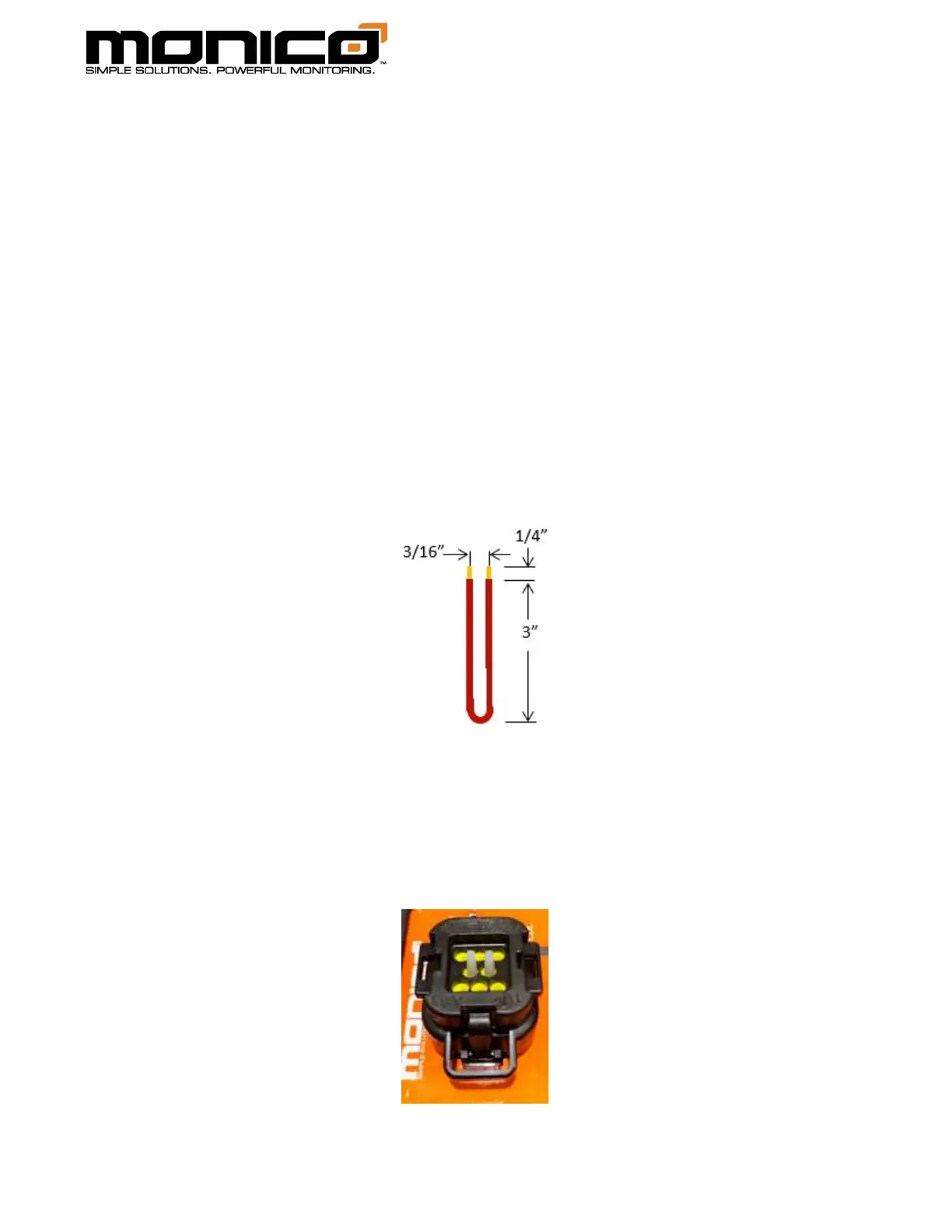
2. You will need a 6” piece of 18-gauge wire with both ends stripped back by an
1/4 inch and bent into the shape of a “U”. See picture below.
3. The Power Connector - Key Connector A will have 2 seal plugs already installed
from the factory in the Factory Reset pins 4 and 5. Remove those plugs by
gently pulling them out. Save these plugs to be re-installed after the Reset is
performed.



 To Next Page