Page 110 of 110
Rev. G
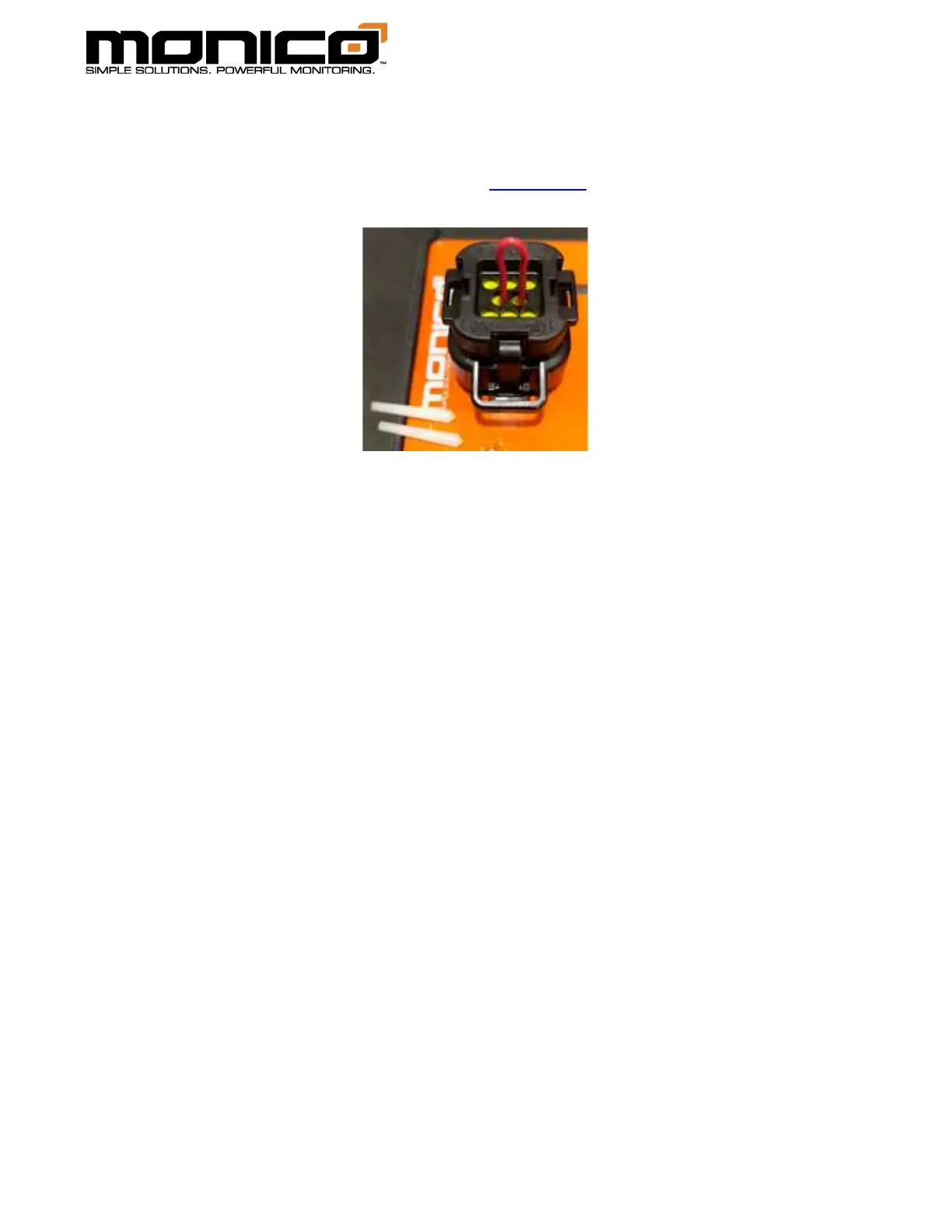
4. Push the wire through the waterproof gasket at Pins 4 and 5 where the seal
plugs were removed on the Power Connector - Key Connector A until you
bottom out. The pin out is shown in Section 3.2.
5. While applying gentle force on the jumper wire to make sure the wire
maintains contact with both Pins 4 and 5, power on the mCore. The Power LED
will briefly go Solid Red then go Solid Amber. All LEDs below the Power LED will
be flashing Red then go flashing Green. Once you see flashing Green, the unit
has been reset.
6. Remove the jumper wire and the mCore will reboot automatically.
7. Seal the pierced gasket holes for Pins 4 and 5 with the sealing plugs that were
removed previously. Gently push the plugs into the pin holes. Make sure the
thicker tapered portion is inserted face down toward the pins and the thinner
portion is sticking out of the connector. Once re-installed, the plugs should
look like the picture in Step 3.
8. The username and password have also been reset back to the default as
shown on the label sticker on the bottom of the mCore. To connect, open an
internet browser and type in the serial number of the mCore followed by
“.local”. For example, if the mCore serial number is mc-1234-5678, you would
enter, without quotes, “http://mc-1234-5678.local” or “https://mc-1234-
5678.local”.



 To Previous Page