Page 88 of 110
Rev. G
Section 12.2: Viewer File(s)
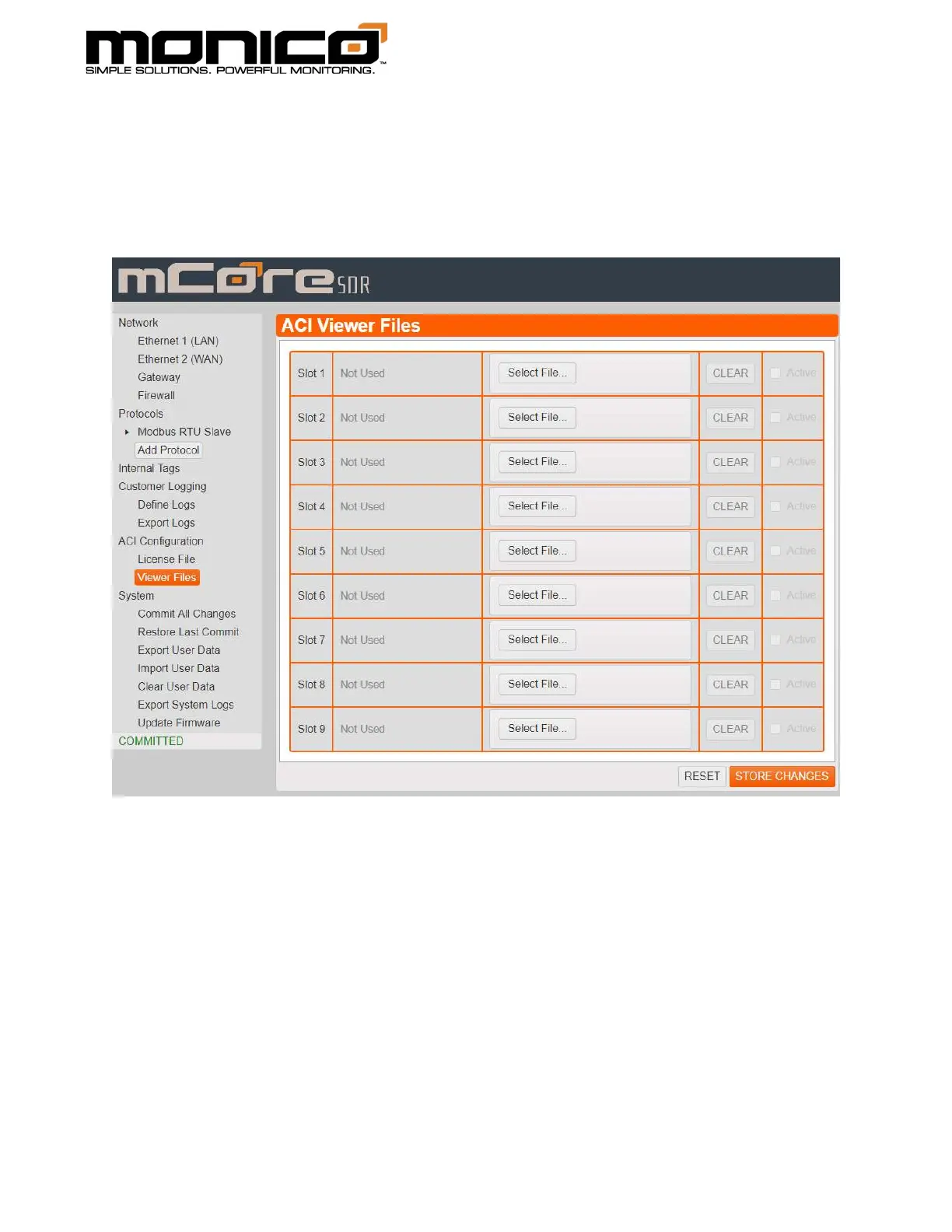
1. Click Viewer Files under ACI Configuration in the left menu. The following
screen will appear.
2. Click one of the Select File buttons. A pop up will appear with File Explorer.
Navigate to where the Viewer File is located on your computer, select it, then
click Open in the bottom right.



 To Next Page