Page 23 of 110
Rev. G
Section 6.3: Change Password
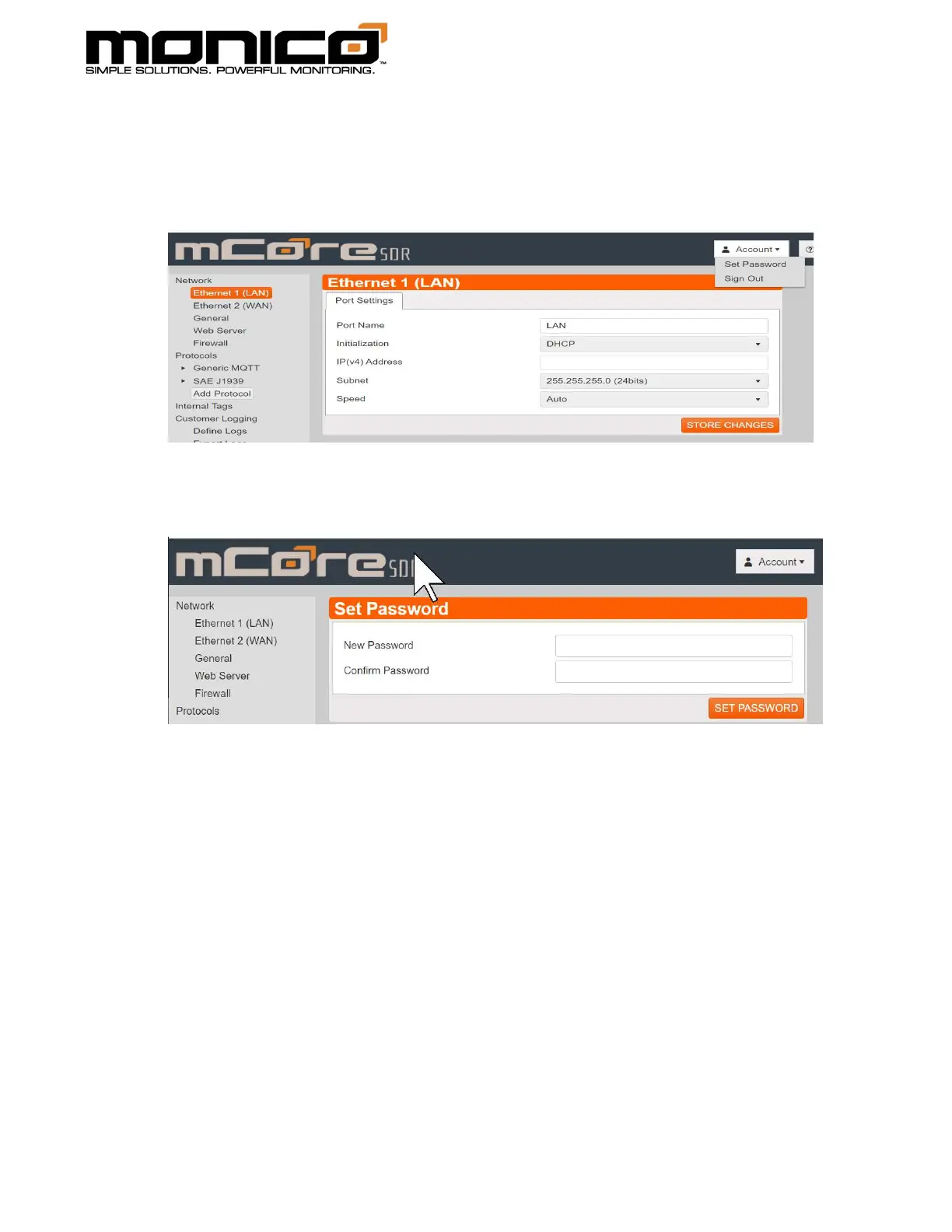
1. To change the password, click the Account button in the top right, then click
Set Password.
2. The following screen will appear. Enter the new password in each box. Click
the Set Password button in the center menu when done.
3. The password has now been changed but will not take effect until you either
reboot or Sign Out and then log back in.



 To Next Page