Page 19 of 110
Rev. G
Section 6.2: Setting Computer’s Network Adapter
Static IP
The section is only needed if connecting to an mCore that previously had its IP
address set to be static instead of DHCP. You will need to change your computer’s
IP address to be on the same subnet.
1. Select Start, then select Settings > Network & Internet > Ethernet.
2. Select Change Adapter Options.
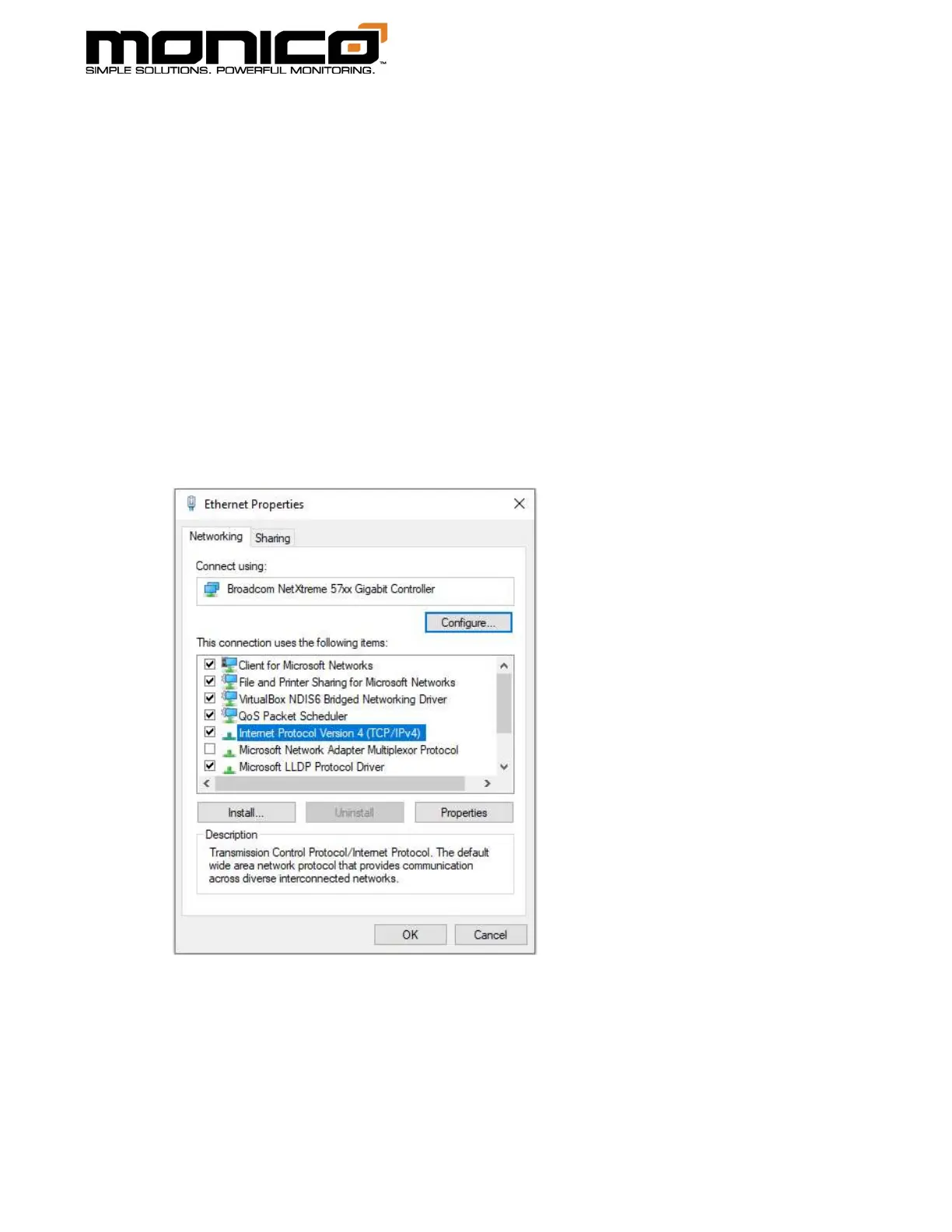
3. Select the Ethernet adapter from the list, and Right Click, select Properties.
4. Select Internet Protocol Version 4 (TCP/IPv4), click Properties.



 To Next Page