Page 27 of 110
Rev. G
Section 6.7: To change the IP address and related settings
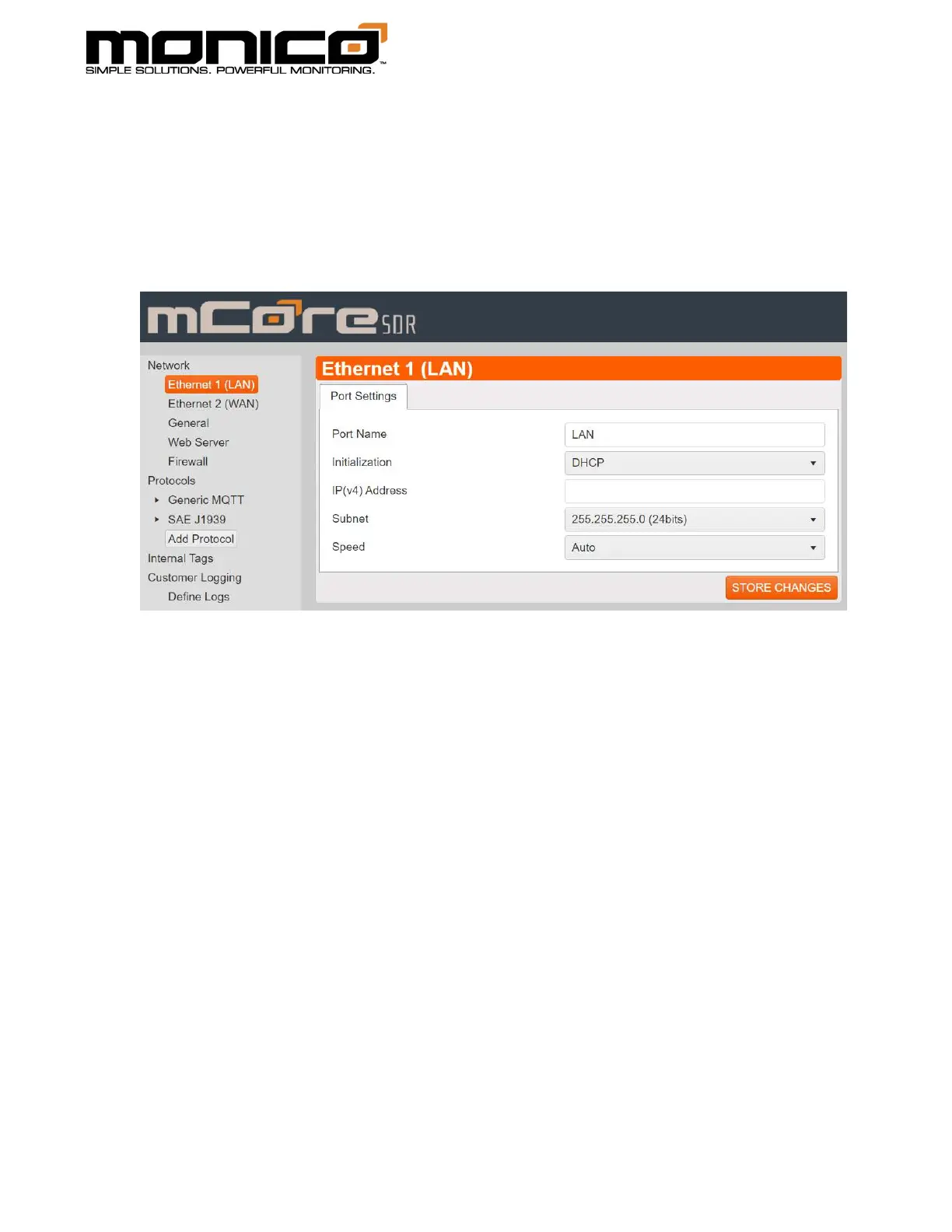
1. Click the Ethernet 1 (LAN) button in the left menu toward the top. The following
screen will appear. Change the IP address and Subnet to the desired settings. Click
the Store Changes button in the center menu at the bottom right.
2. Continue to Ethernet 2 (WAN) port in the left menu if applicable for your
application or leave it as is.
3. The next setting is General in the left menu. Most sites are set to a default of
xxx.xxx.xxx.1 as compared to the IP address. Ask your network administrator to be
sure.



 To Next Page