Page 34 of 110
Rev. G
Section 8: Protocols
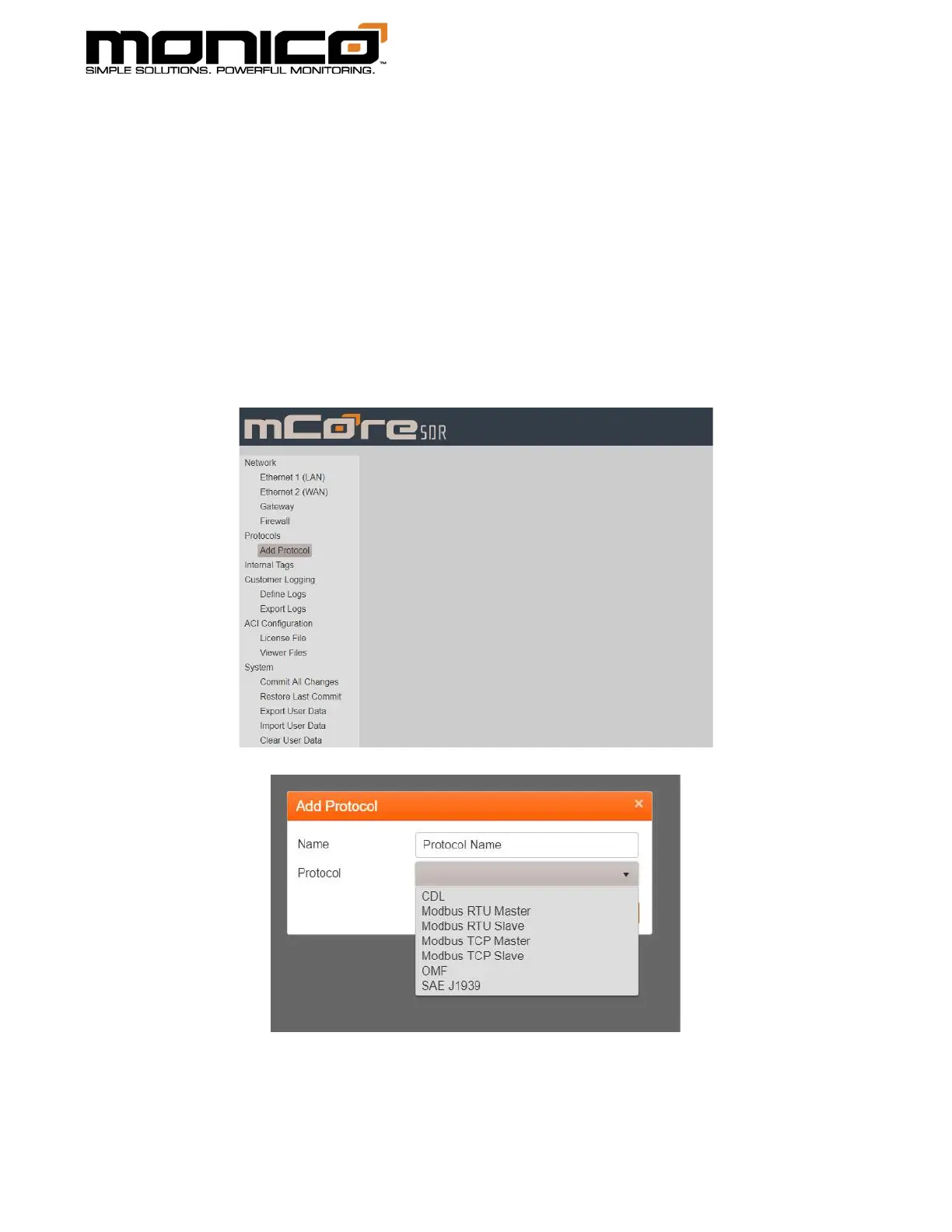
Section 8.1: Adding A Protocol
1. To add a protocol, click the Add Protocol button under the section Protocols in
the left menu and the following pop up box will appear. Name the protocol
and select the protocol from the drop-down menu. Once named and the
protocol selected, click Add Protocol.



 To Next Page