Page 28 of 110
Rev. G
4. Once you’ve entered your IP Address and stored changes, you will need to
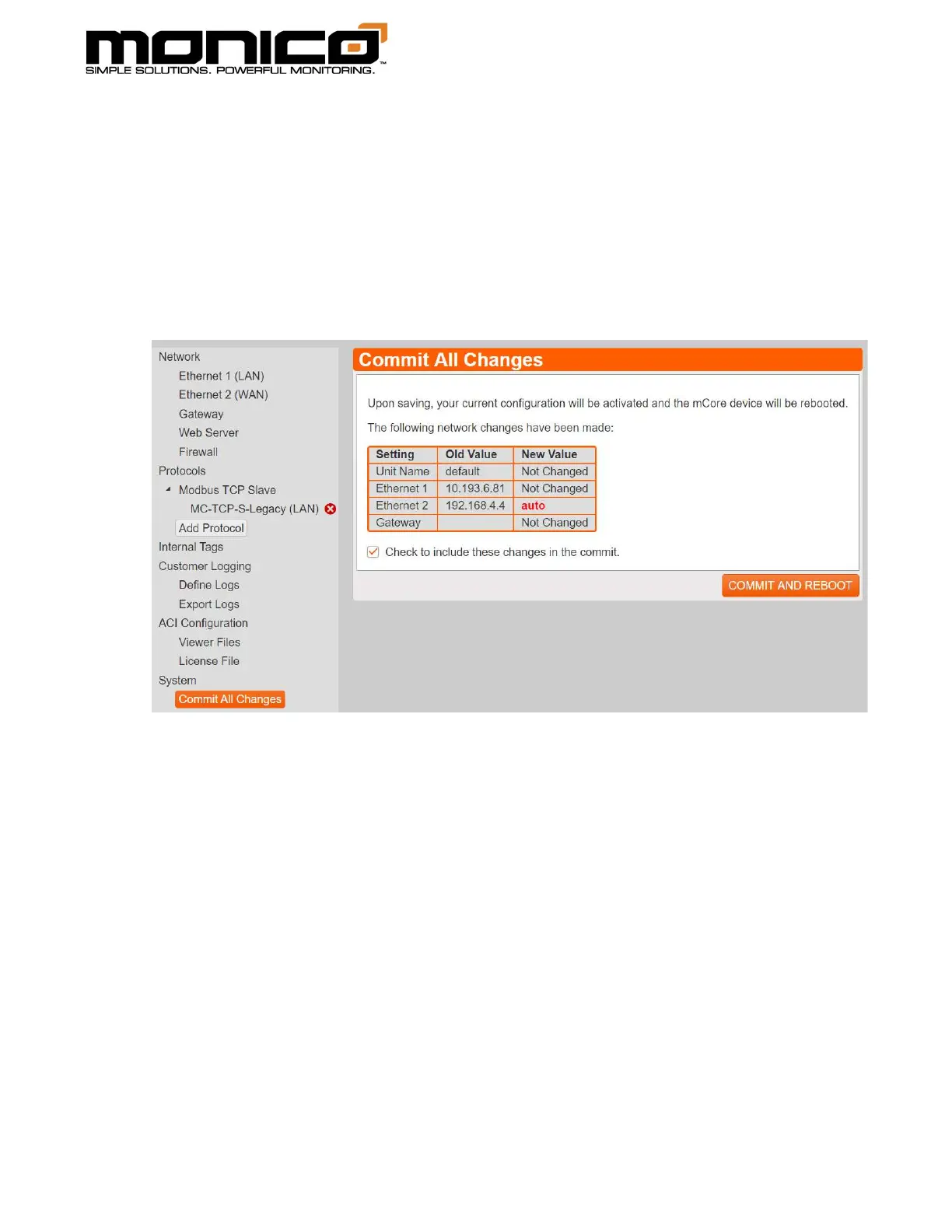
Commit All Changes for the new IP address to take effect. Do this by clicking the
Commit All Changes button in the left menu toward the bottom. Make sure to
check the box to include the new network setting changes. If you do not check the
box, the old network settings will stay in effect. Then click the Commit and Reboot
button. A pop-up box will appear. Click Ok to continue. mCore will then reboot
and the new IP address will now be in effect.



 To Next Page