Page 53 of 110
Rev. G
accessible information. It is strictly a troubleshooting tool.
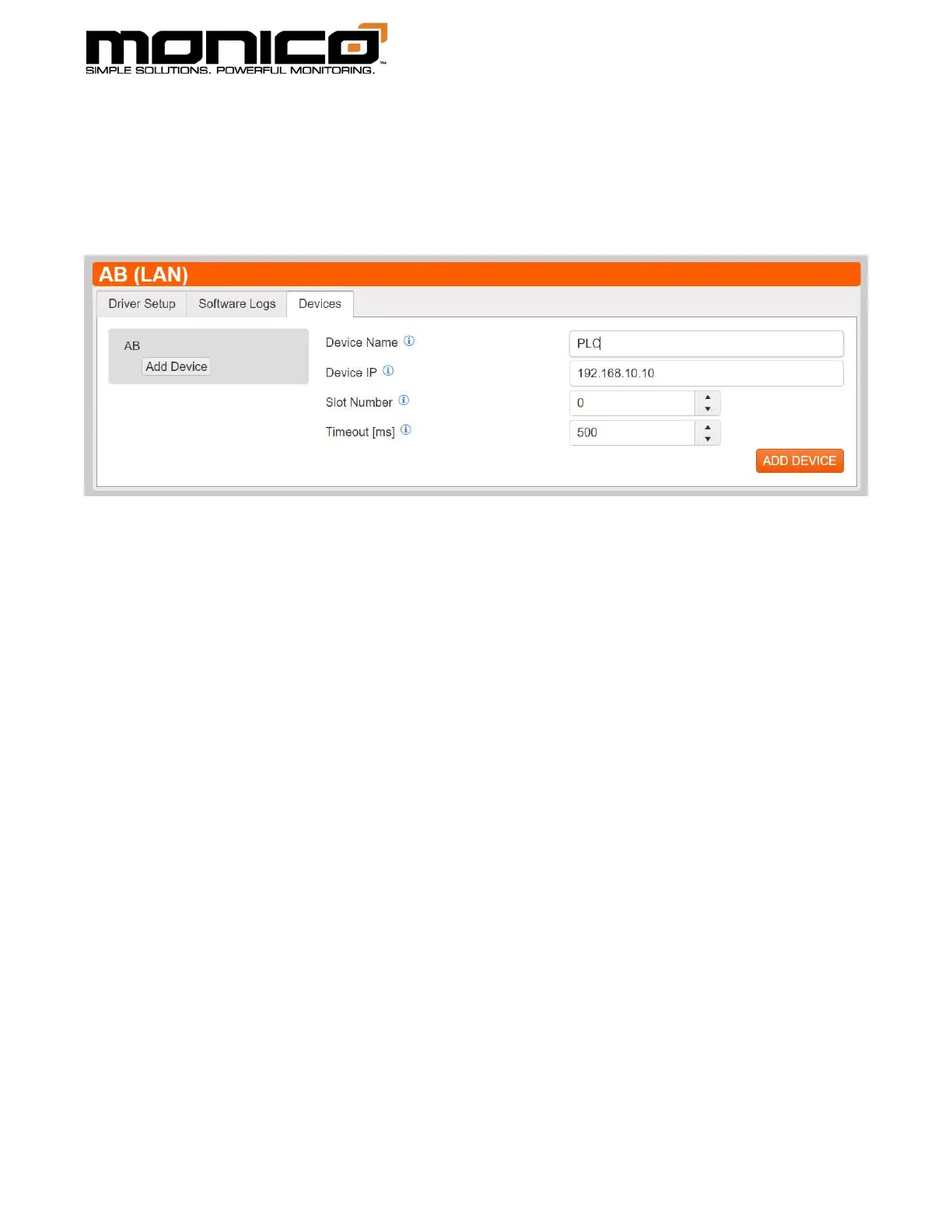
3. Click the Devices tab, click the Add Device button. You will see the following
screen.
4. Give the device a name, then enter the PLC’s IP address.
5. The Slot Number does not matter for CompactLogix PLCs so leave it as 0. If you
are using a ControlLogix PLC, enter the slot number of the processor module.
6. The Timeout is defaulted to 500 ms. Adjust if necessary.
7. When done, click the Add Device button in the bottom right.



 To Next Page