Page 55 of 110
Rev. G
12. The Periodic Update Mode is a send-on-change mode with a Poll Frequency
that limits how many changes will be sent in each time interval. mCore is
checking for change as fast as it can and will send a value when a change
occurs but will not send changing values any faster than the Poll Frequency
setting. So, if a value hasn’t changed in a minute and the Poll Frequency is set
to 5 seconds, then a change occurs, that value is immediately sent.
However, 1 second later, the value changes again. This value will not be sent
until the 5 second Poll Frequency timer has expired. If during that waiting
period, the value changes again before the timer is met, the latest/newest
changed value will be sent at the end of the 5 seconds.
To simplify this, set it to the desired update rate you would like to see data
refresh at. If the data changes every second and you put the Poll Frequency to
one second, then you’ll more than likely get a one second refresh rate.
13. The other Update Mode, Triggered, is reserved for use with ACI eRCM Express
applications only and should not be used for applications other than that.
14. Click the Add Group button when done.
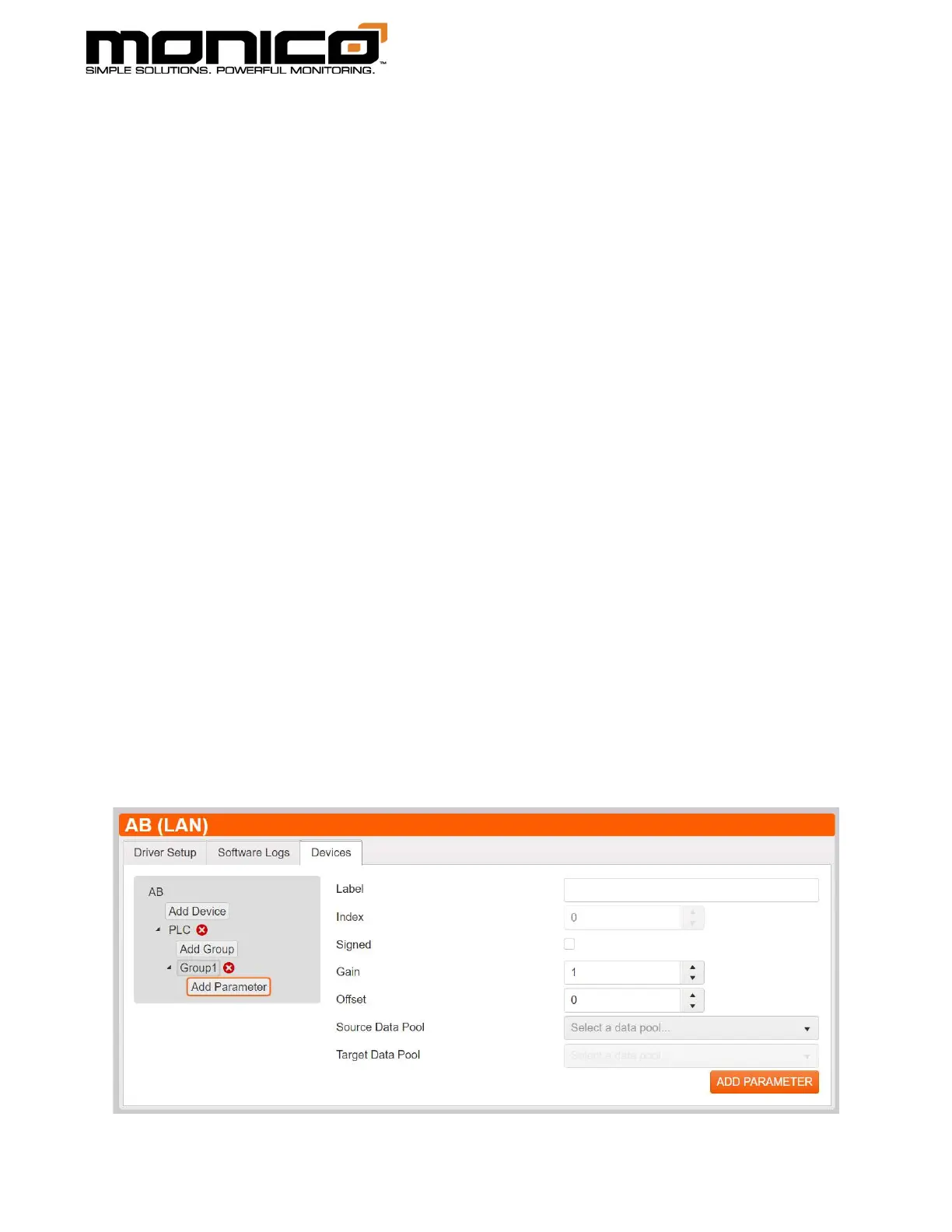
15. Next click the Add Parameter button in the center menu under the Group that
was created in the previous step. You will see the following screen.



 To Next Page