Page 94 of 110
Rev. G
prior to clicking the Commit All Changes button.
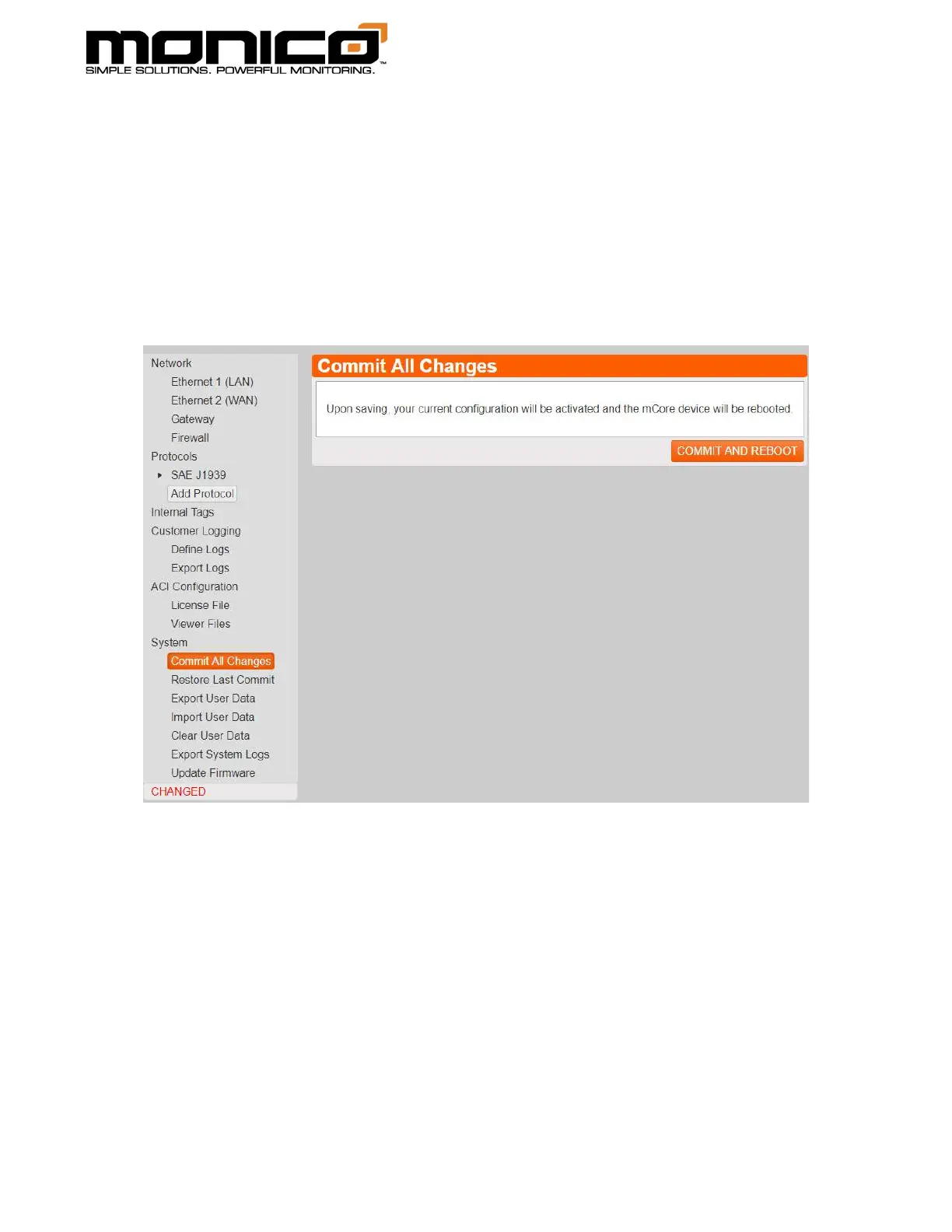
1. Once you’ve made your changes, click the Commit All Changes button in the
left menu toward the bottom. The following screen will appear. Click the
Commit and Reboot button in the center menu. A pop-up box will appear
warning the user that the mCore will repeat and lose communications. Click Ok
to continue.
2. Once you’ve clicked Ok, mCore will reboot and all changes will take effect.



 To Next Page