Page 97 of 110
Rev. G
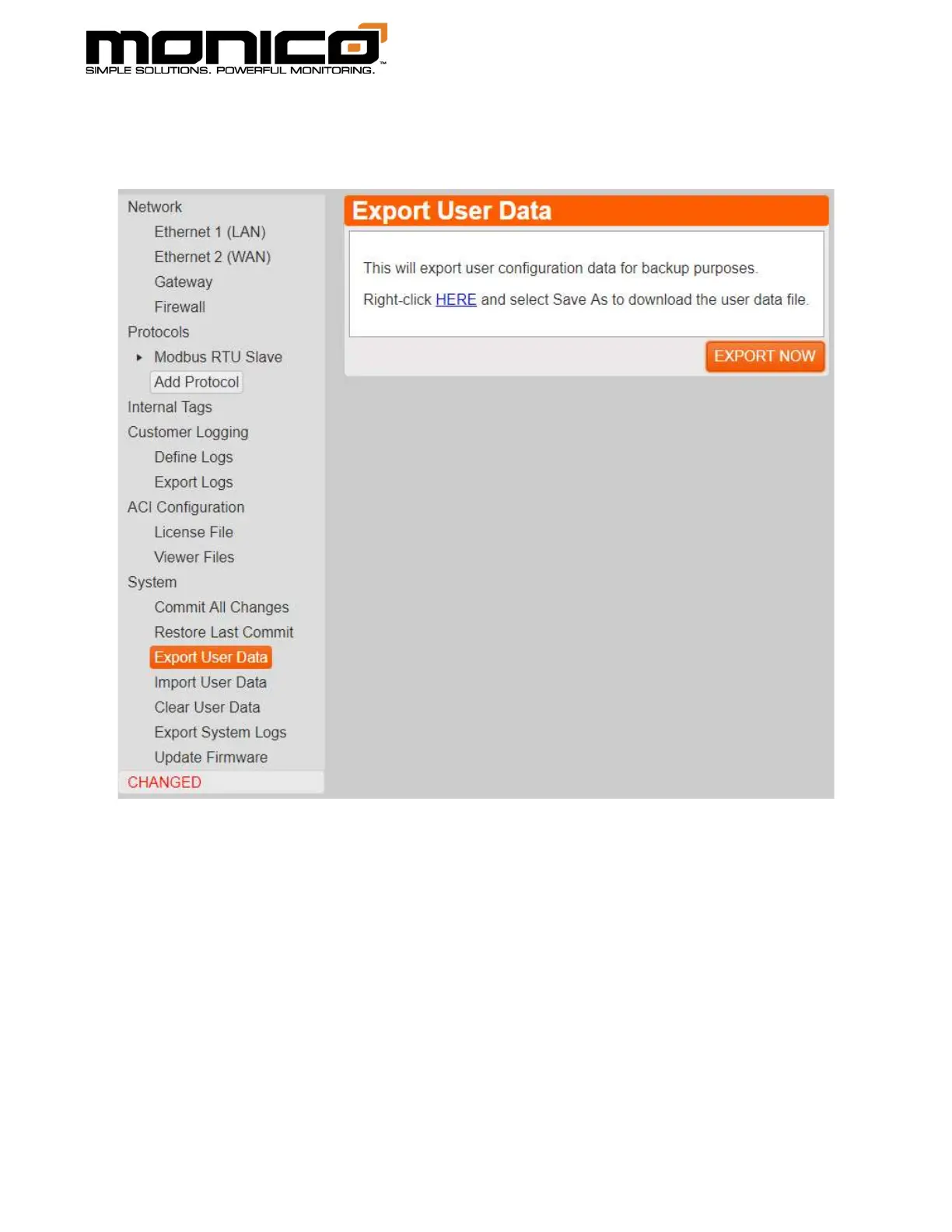
2. Click the Export Now button in the center menu. The following screen will
appear.
3. Click the blue link labeled “Here”. A pop-up box will appear asking where to
save the User Data file and what you want to name it. Click Save when done.
Note: Keep in mind if this file is to be used on another mCore on the same
network, the IP address and related network information of the old mCore will
be in this User Data file. So before clicking Commit All Changes in the new
mCore, check the IP credentials to make sure they are different from the
previous mCore. If this is a replacement unit, then the IP credentials can stay
as they are.



 To Next Page