Mooltipass Mini BLE User Manual – 2021/08/25
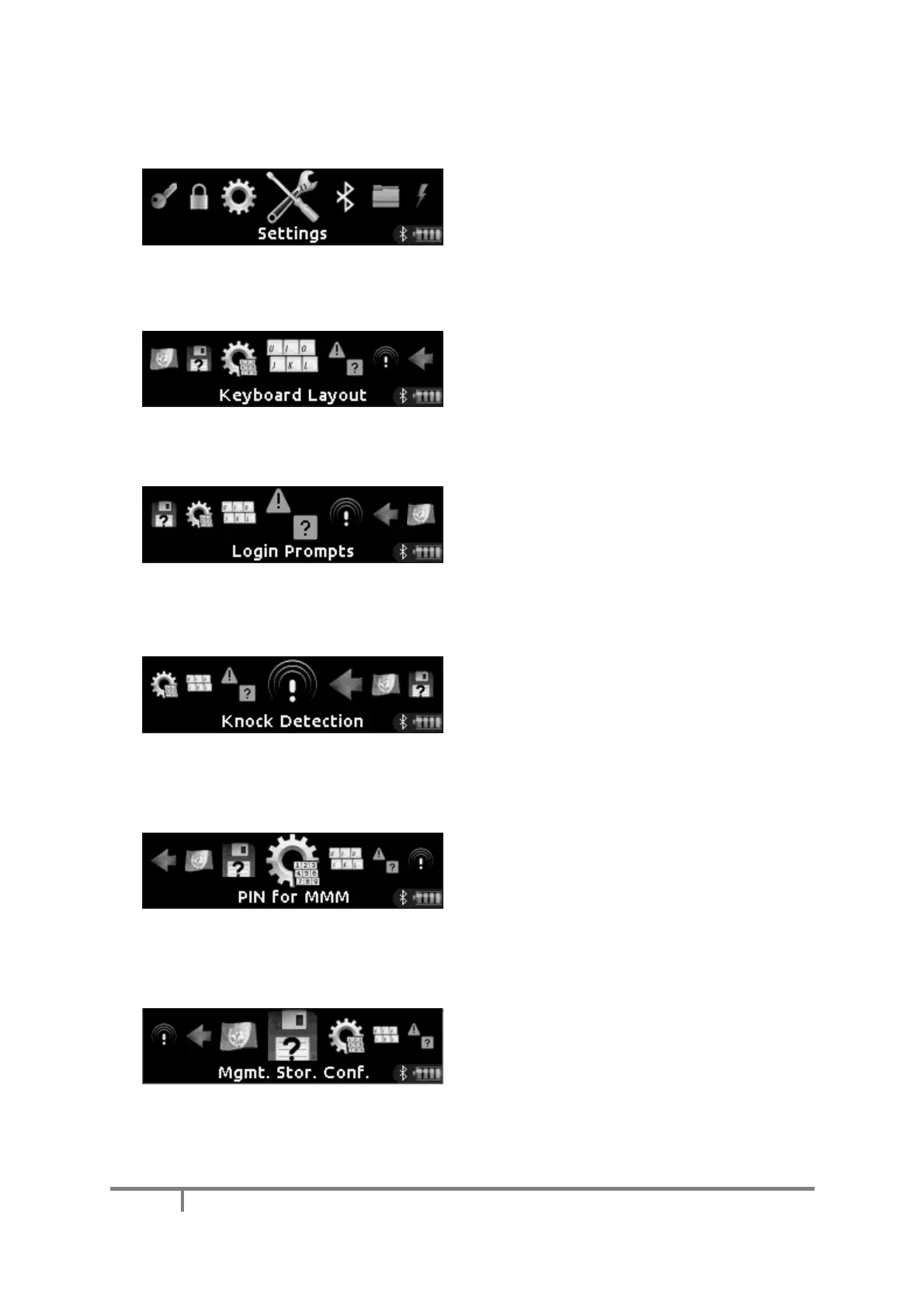
H) Settings Menu (Advanced Mode Enabled)
When the advanced mode has been enabled
through the operations menu, the settings menu
can be accessed.
a) Keyboard Layout Change
This menu item allows you to change on the
device the keyboard layout used for manual login
“typing.”
b) Login Notification / Prompt
This menu item allows you to select whether the
Mooltipass Mini BLE should notify, or prompt you
whenever you login to a website
When “login prompt” is enabled, this menu item
allows you to enable the knock detection feature:
when you’re prompted to login into a website,
simply knock on the same surface on which the
Mooltipass Mini BLE is placed.
d) PIN Input for Management Mode Entry
This menu item allows you to specify whether
you’d like to be prompted for your PIN when
management mode is requested by the
Moolticute companion app.
e) Storage Confirmation in Management Mode
This menu item allows you to specify whether
you’d like to be prompted to save credentials
entered during management mode.


 To Next Page