Mooltipass Mini BLE User Manual – 2021/08/25
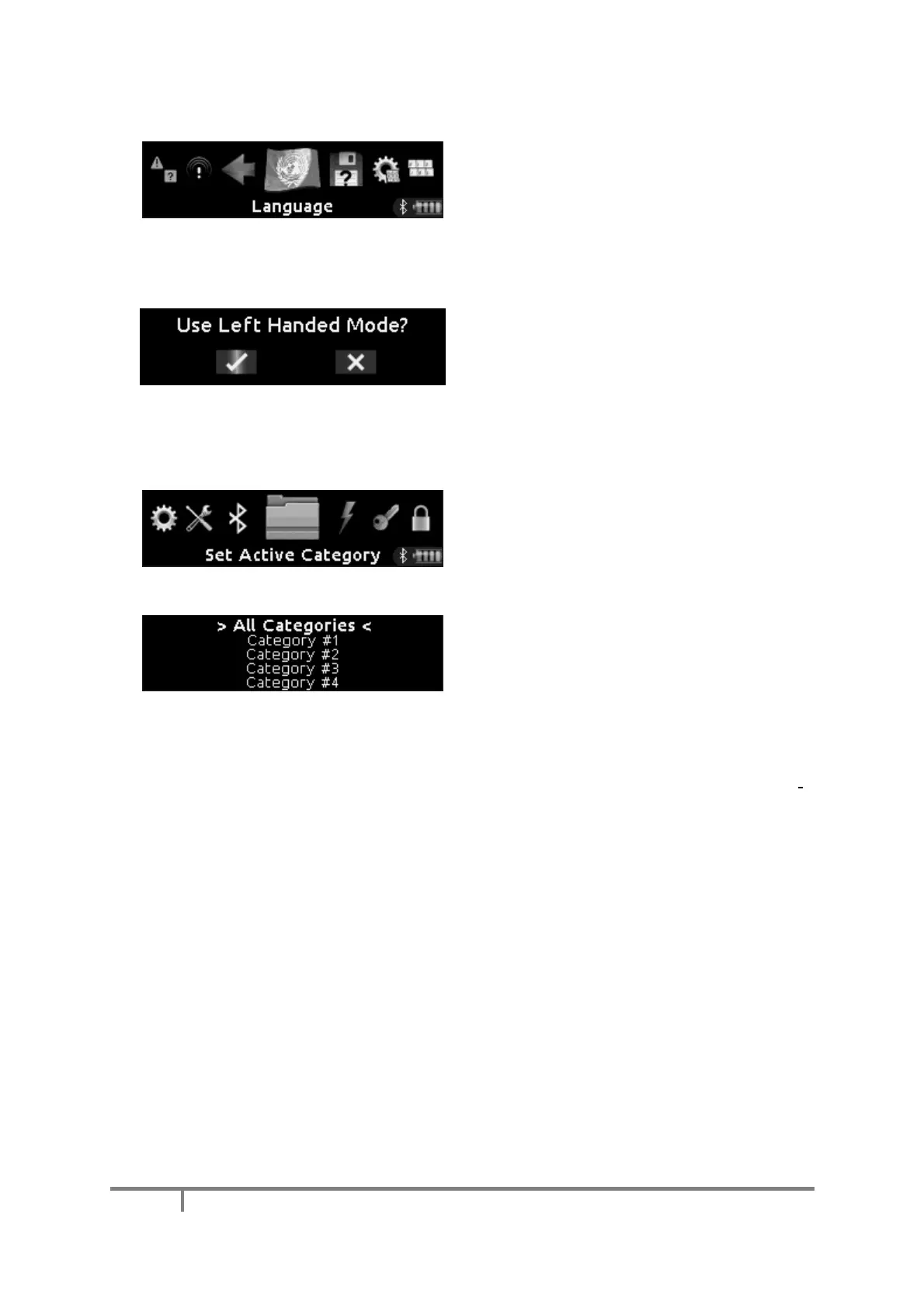
This menu item allows you to change your
device’s main language.
I) Left/Right Handed Mode Change
To switch between left- and right-handed mode,
simply remove the smartcard from your Mini BLE
and hold your device the other way up. If you
deny the prompt, you may only retry after a
minute.
J) Active Category Selection (Advanced Mode Enabled)
When the device’s advanced mode is enabled,
users can select an active category.
The selected category acts as a folder, storing
new credentials inside it, and limiting credential
viewing and recall to the selected category.
4 categories are available and can be renamed
using Moolticute.
K) Other Mooltipass Mini BLE Settings
While the settings accessible in the device menu (see Settings Menu (Advanced Mode Enabled))
are applied to your user profile, your device’s behavior can further be customized by changing more
settings in the Moolticute companion app (see Device Settings).
L) Battery Usage Best Practices
The Mooltipass Mini BLE uses a Nickel Metal Hydride Battery (NiMH). For maximum battery
longevity, we recommend you we use your device until its battery is depleted. A single charge
typically lasts between 2 and 7 days, depending on how you use your device.
M) Device Emergency Shutdown
In the unlikely case where your device becomes unresponsive, you can force-shutdown your
Mooltipass Mini BLE by unplugging it from USB and keeping the wheel pressed for 20 seconds. You
may then plug the USB cable again.


 To Next Page