Mooltipass Mini BLE User Manual – 2021/08/25
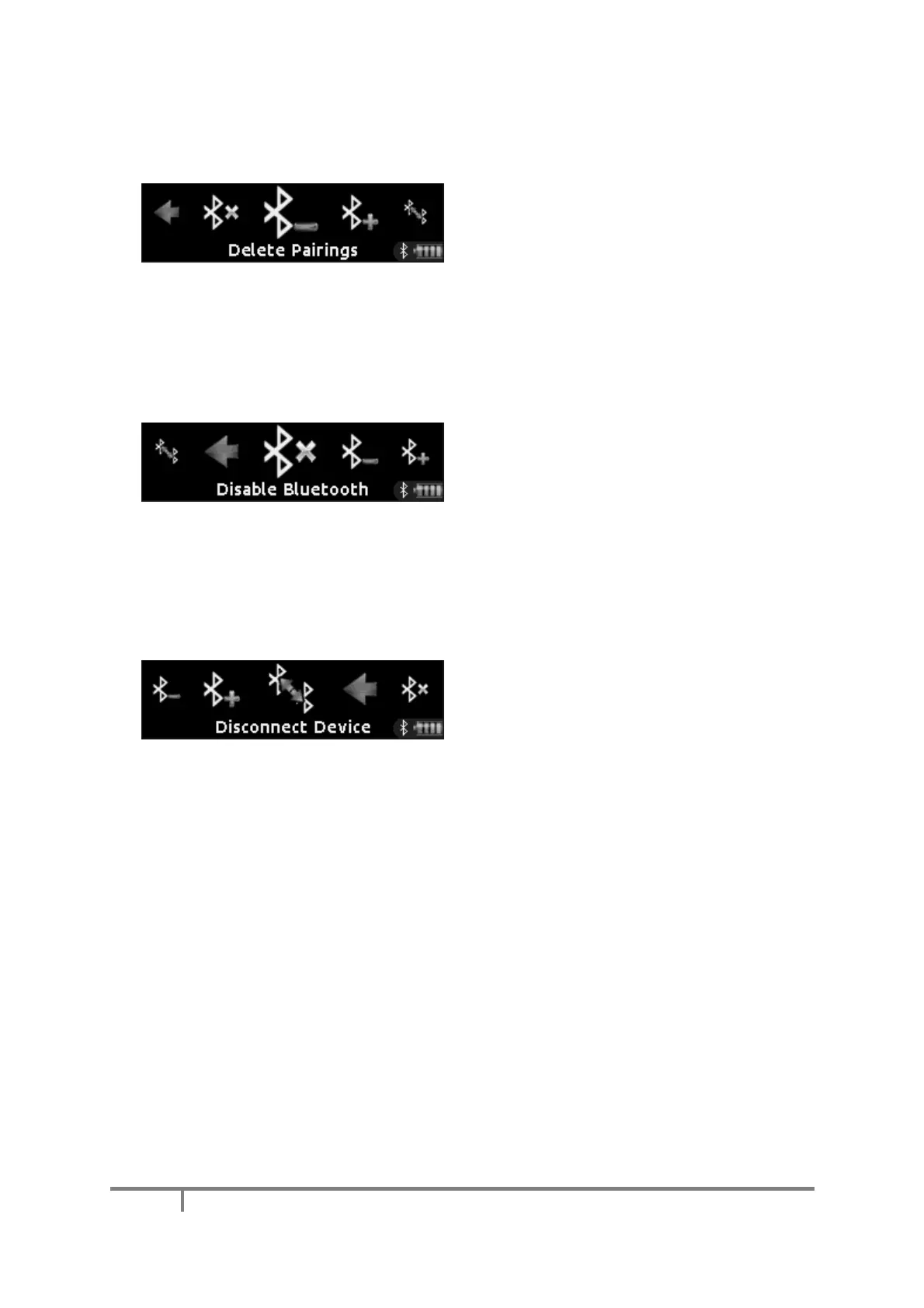
The ‘Delete Pairings’ menu item erases the
pairing information of all devices the Mooltipass
Mini BLE has been paired with. When
performing this operation, make sure to also
erase the matching Mooltipass pairing on the
devices.
The ‘Disable Bluetooth’ menu item allows you to
disable the Bluetooth interface. Disabling
Bluetooth just turns it off, it does not delete the
pairings.
d) Switching Between Bluetooth Devices
If your Mooltipass Mini BLE is paired with
several devices, you can use the “Disconnect
Device” menu item to temporarily disconnect
the Mini BLE from the currently connected
device, allowing another Bluetooth device to
connect to it.



 To Next Page