67
1.
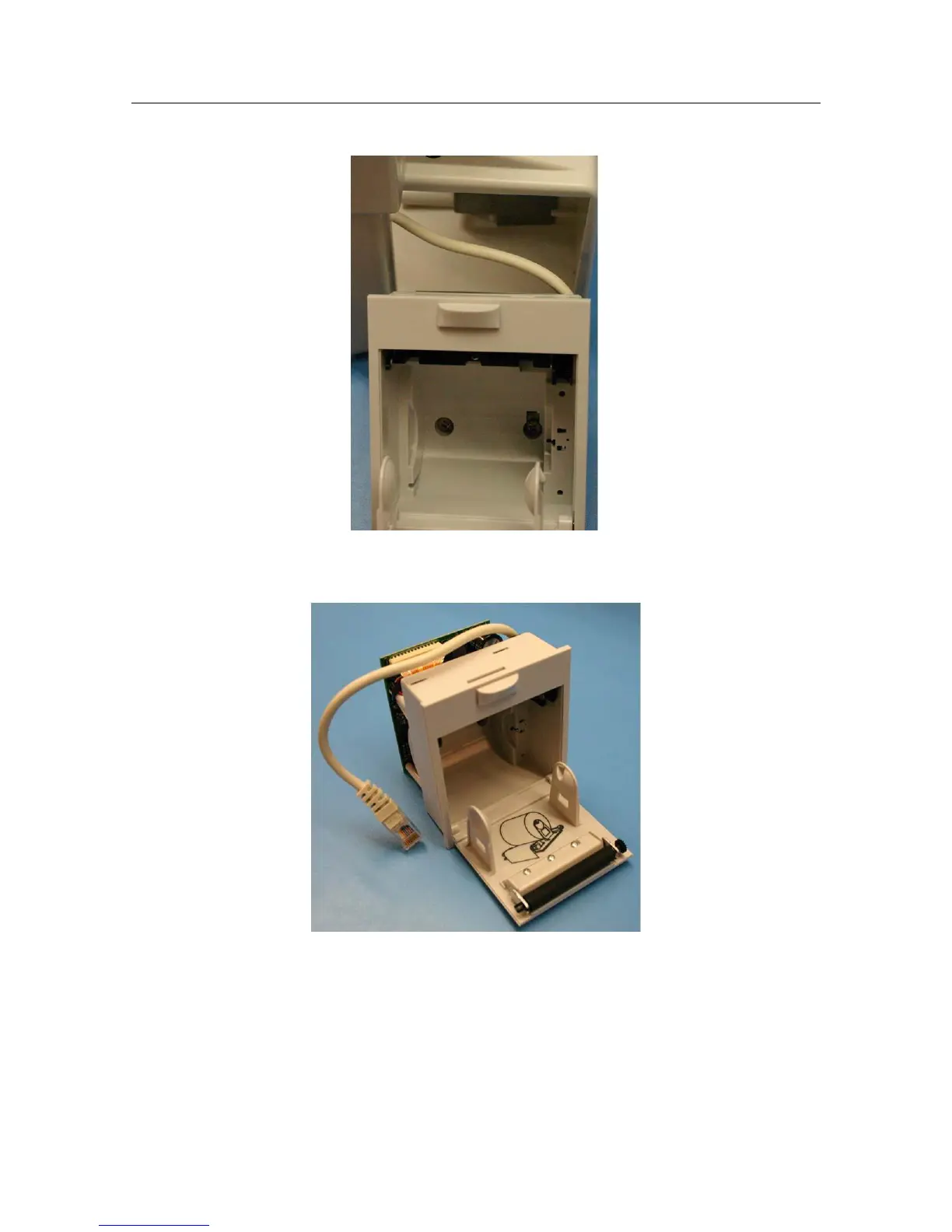
Slide the writer (Item 8) out of the Rear Housing being carful of the attached data cable.
2.
Follow the writer data cable into the unit to reach the snap in RJ45 connector. Remove the cable from the
Main Board by unlatching the cable form the connector.
3.
Reinstall the writer (Item 8) in the reverse order.
Note: The writer can also be removed by removing the Rear Housing and the main board. This method allows for
easier access to the cable.


 To Next Page