NPort 5100 Series User’s Manual Configuring NPort Administrator
6-4
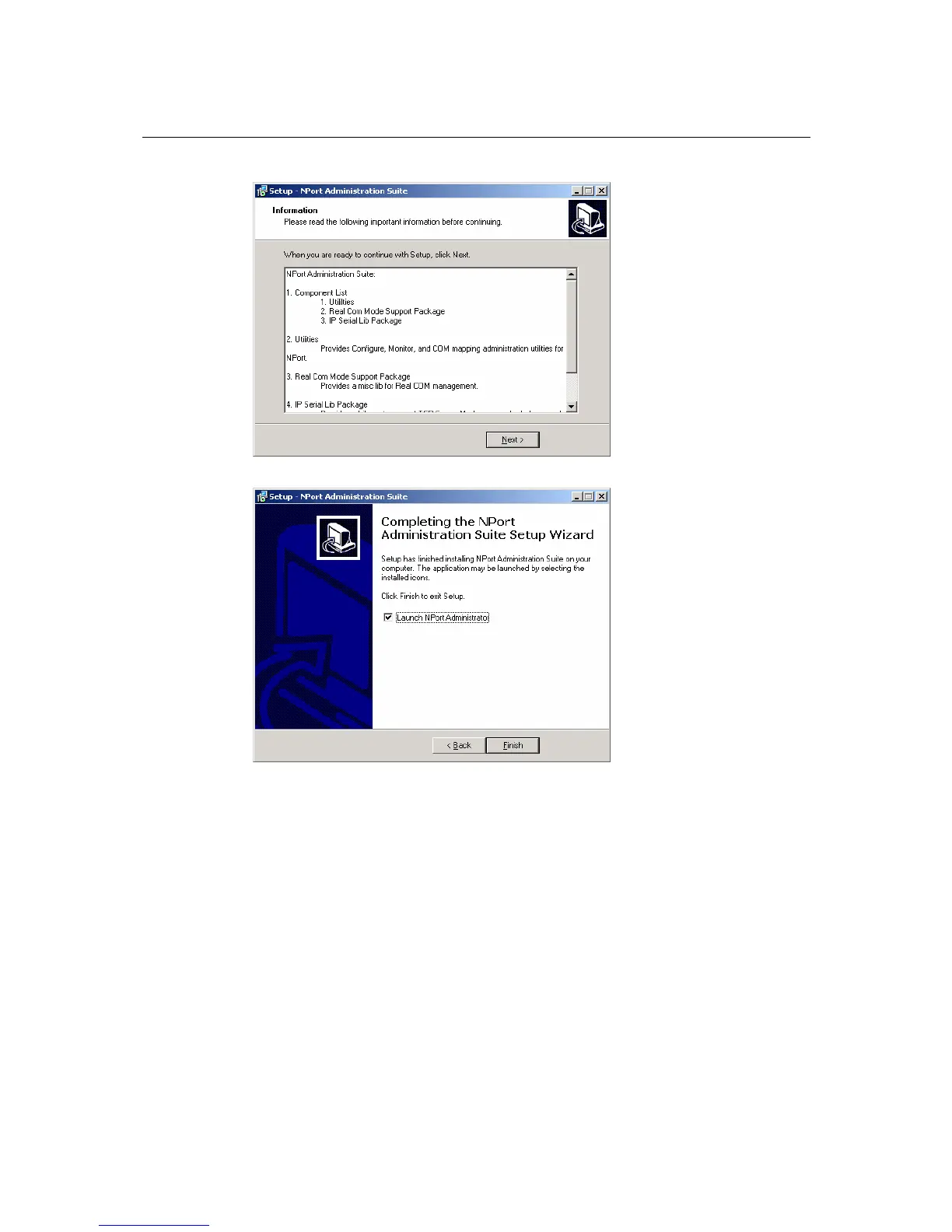
6. Click Next to proceed with the installation.
7. Click Finish to complete the installation of NPort 5100 Administration Suite.
Configuration
The Administrator-Configuration window is divided into four parts.
• The top section contains the function list and online help area. (Windows NT does not support
this .chm file format.)
• The five Administrator function groups are listed in the left section.
• A list of NPort 5100 serial device servers, each of which can be selected to process user
requirements, is displayed in the right section.
• The activity Log, which displays messages that record the user’s processing history, is shown in
the bottom section.



 To Next Page
 Loading...









