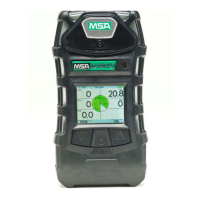
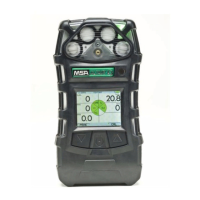
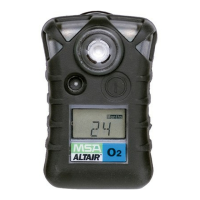
• Press the TEST button again:
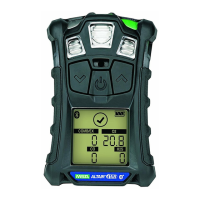
• The "√" that appears on the display:
• indicates that the instrument passed the bump test.
• remains for 24 hours, indicating that a bump test
was performed on this instrument within the last
24 hours.
NOTE: See FIGURE 3-1 for details
• If If the "√" does not appear and and "ERR" is indicated:
• Check that the:
• sensor inlet is not clogged
• correct calibration cylinder is used to perform the
bump test
• gas cylinder has not expired and is not empty
• gas was applied at the appropriate time
• gas tubing is seated in the front instrument case
during testing.
• Repeat the bump test process as needed.
• If the "√" does not appear,calibrate the instrument and repeat the
Bump Test.
3-2


 To Next Page