12
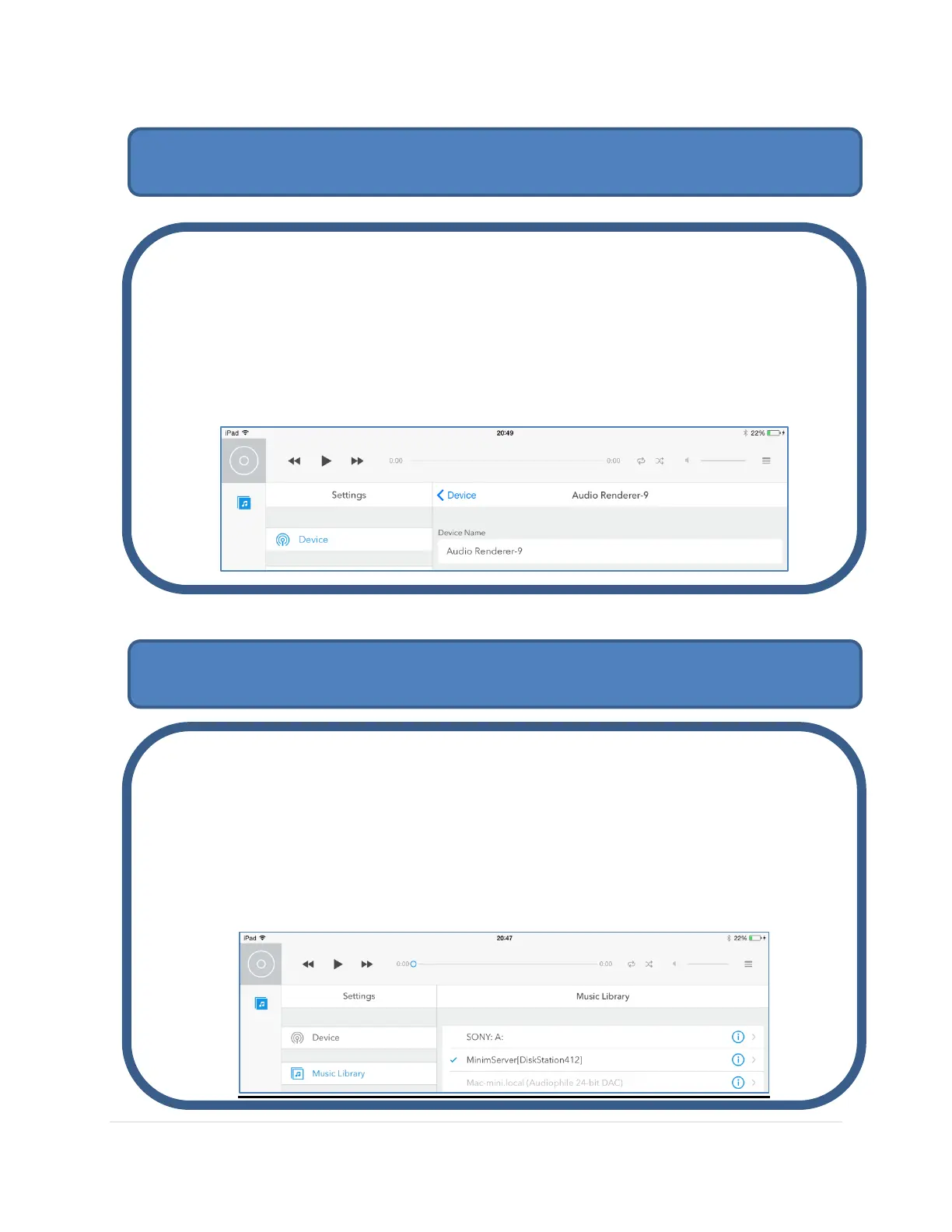
Select the MSB Renderer from your iPad UPnP Controller:
Wait a few moments for the Audio Renderer –X to show up in your UPnP
Controller and select it as the playback device. This is the default name for the
MSB Renderer, where X is the last digit of the IP Address given to the MSB
Renderer by your router
Select the UPnP Server containing your music library from your iPad UPnP Controller:
When your UPnP Server is running it will automatically be seen in your
Controller App. The first time you select the library it might take a while to load
the library index and album art.
Now start browsing your music library and playing back your music. Enjoy!
Step 7: Select your MSB Renderer on the iPad
Step 8: Select your UPnP Server on the iPad



 To Next Page