26
5. Networked Audio Setup
So what is the best way to integrate the MSB Renderer into an audio system? Well that depends
on your vision of what that perfect system looks like and your personal preferences of hardware,
operating system, software, and handheld device for a controller. Below we will take you
through the setup of a few sample systems. We are not saying that the hardware and software we
picked in the examples are better than other brands or options, but these are good options to start
with to enjoy your MSB Renderer.
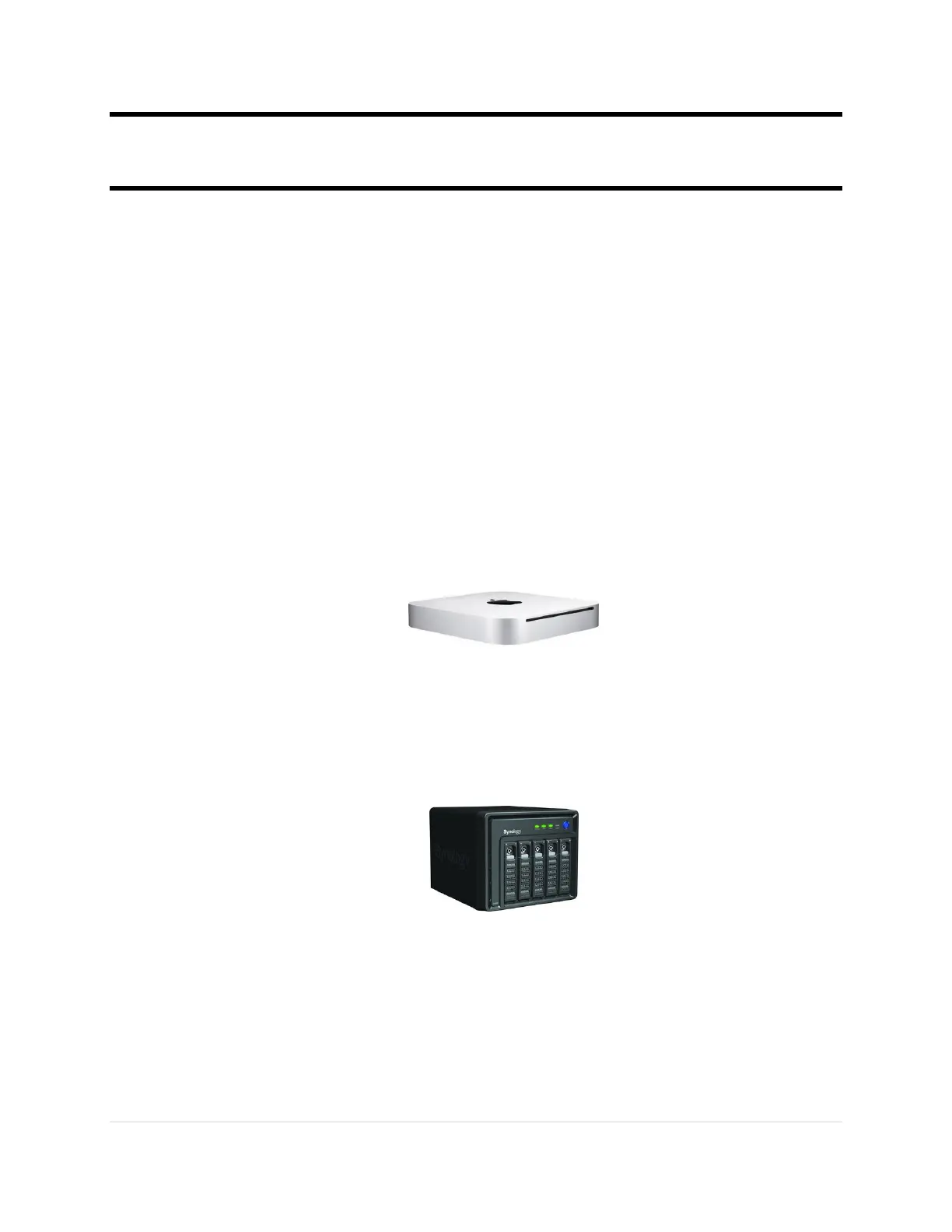
In the next chapters we will cover the networked audio setup using a:
1. Computer Based System
Macintosh or Windows computer with Jriver Media Center as the UPnP Media
Server and UPnP Control Point
Jremote application as the remote control on an iPad
MSB Network Renderer
2. NAS Based System
Synology Network Attached Storage device (NAS) running on Linux
MinimServer as the UPnP Media Server
Lightning DS as the UPnP Controller on an iPad
MSB Network Renderer
As you set up and become comfortable with your networked audio system you might decide that
a different approach works better for you. That is the flexible aspect of a Networked Audio
system using UPnP/DLNA, as there is a huge variety of hardware and software available to meet
your preferences. In addition many of the software packages mentioned in this document are also
being continuously improved upon by their developers, and new ones become available as well.



 To Next Page