32
Step 2. Install Jriver Media Center
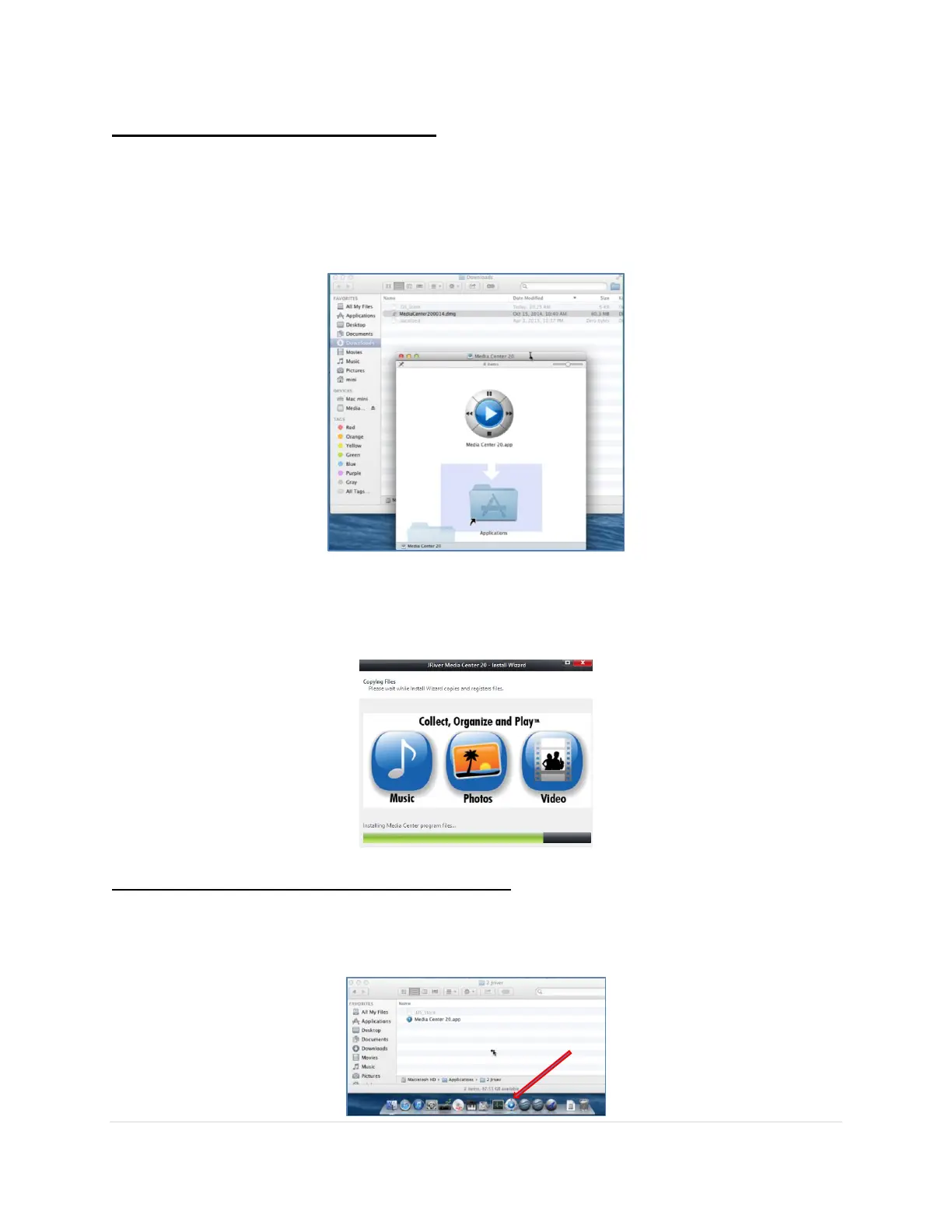
For Macintosh: Double click on the MediaCenterXX.dmg (XX denotes the JRMC
version) installation package and follow the instructions for installing it on your Mac.
This includes agreeing to the license and copying the Media Center XX.app into your
Applications folder.
For Windows: Double click on the MediaCenterXX.exe (XX denotes the JRMC version)
installation executable file, wait for the extraction process to complete and follow the
instructions for installing it on your PC, which includes agreeing to the license.
Step 3. Open Jriver Media Center (JRMC)
For Macintosh: In your Applications folder double click on the Media Center XX.app to start
JRMC. Note: For ease of use you can always add the application to your Dashboard.



 To Next Page