75
7.4 UPnP Controller Installation - Lightning DS
For the UPnP remote control we will be using the
Lightning DS
application on the iPad to
access and command your music library in this example.
It is free, and you can of course use any of the other UPnP Controller applications with
MinimServer, but Lightning DS, although not perfect, is one of the few that handles gapless and
has a user friendly look and feel.
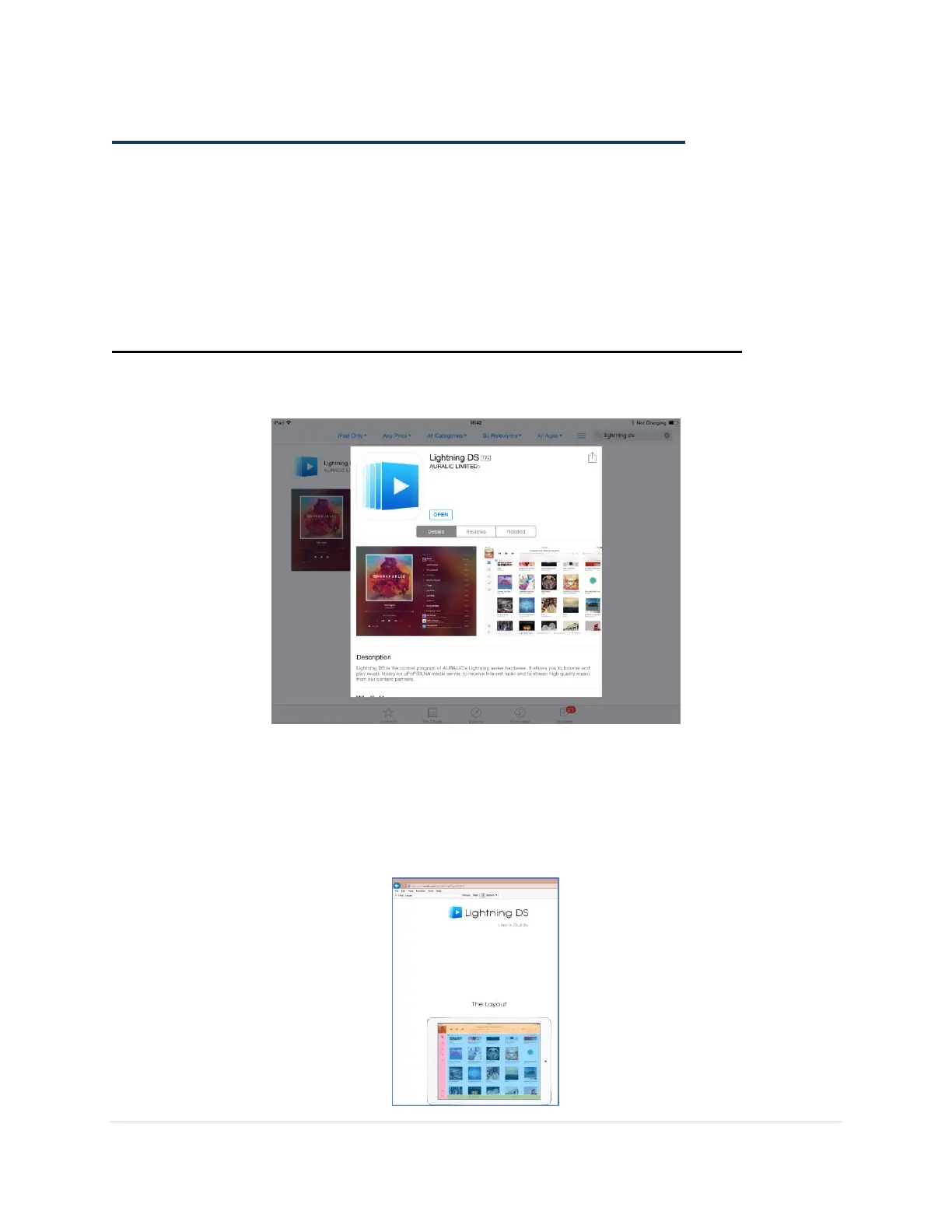
Step 1. Purchase and Install Lightning DS Application on your iPad
On your iPad open the App Store and search for
Lightning DS
.
Click on
INSTALL
and follow the instructions to purchase the App.
Note: For more details on the Lightning DS Controller you can go their website for a user guide:
http://www.auralic.com/en/LightningDS/guide.html



 To Next Page