14
Step 3: Open up the desired slot
You can either switch out an existing module, or remove the plastic dust cover of an empty slot.
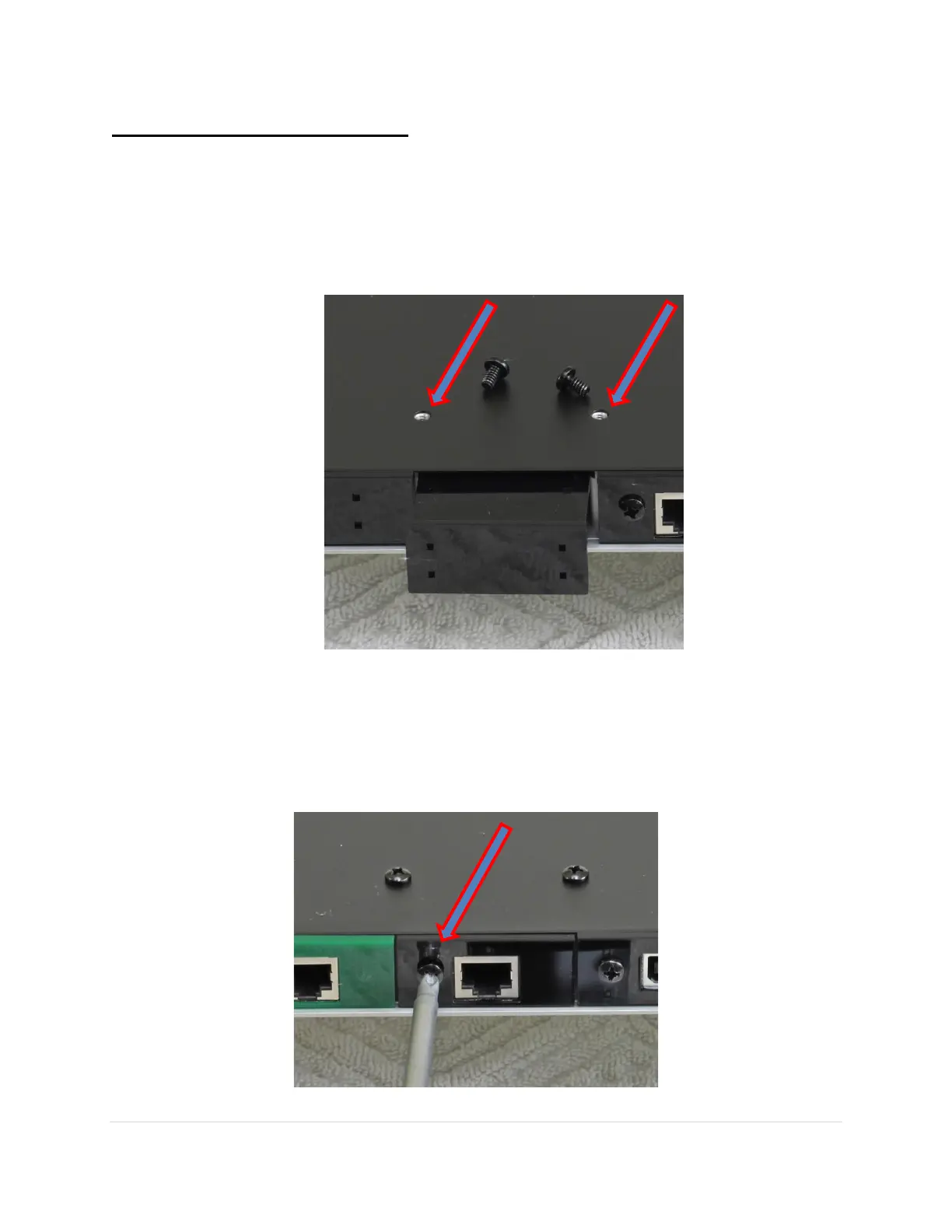
1. When installing a module in an empty slot, remove the two screws on the bottom
adjacent to the module. Then remove the black plastic dust cover. It is easy to remove
with your fingers when the two screws are removed and slides out.
2. When swapping out a module that is already installed, first remove the installed module.
To remove a module from the space you have selected for the Network Renderer module,
first remove the Phillips head screw in the jack panel at the front of the input module if it
has one. Some modules do not have this screw, in which case you can skip this step.



 To Next Page