17
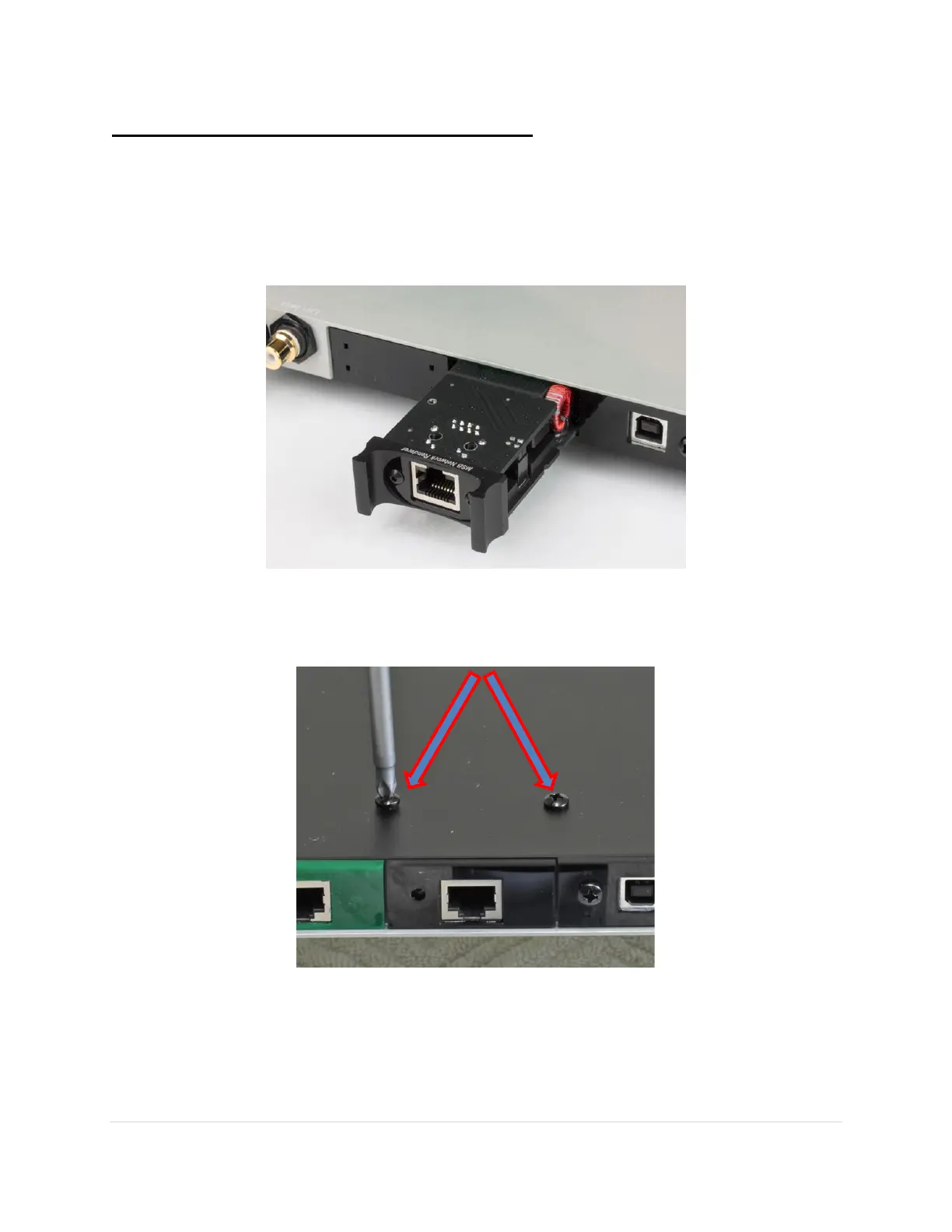
Step 4: Install the Network Renderer Module
To install a new module, slide the new module into the grooves on both sides, and push firmly
into place. There are handy metal ears on the front of the module that allows for ease of
handling.
Please note: Do not force it. It should slide easily along the grooves if aligned properly.
Now put the screws back into the base, and return the installation tool to its place on the base.



 To Next Page